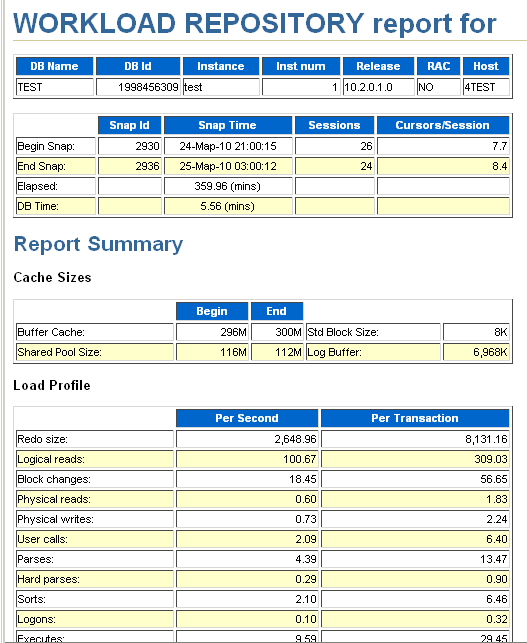
Preparing Automatic Workload Repository (AWR) report - Windows - Oracle 10.2
Done in 2010
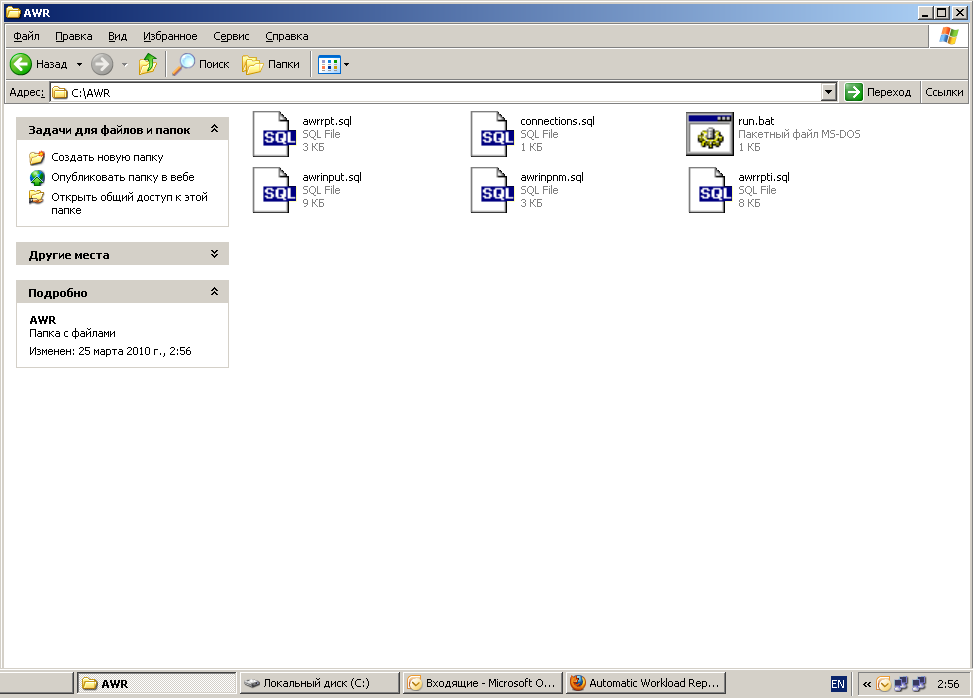
1. Copy files
awrrpt.sql
awrrpti.sql
awrinput.sql
awrinpnm.sql
from the server directory C:\oracle\product\10.2.0\db_1\RDBMS\ADMIN to the local client disk (e.g., to directory C:\AWR)
2. Create a file named connections.sql
conn system/master@<"ip adress">:1521/<"service name">;

@awrrpt.sql
3. Create a file named Run.bat
chcp 1251

sqlplus /nolog @connections.sql
exit;
Result:
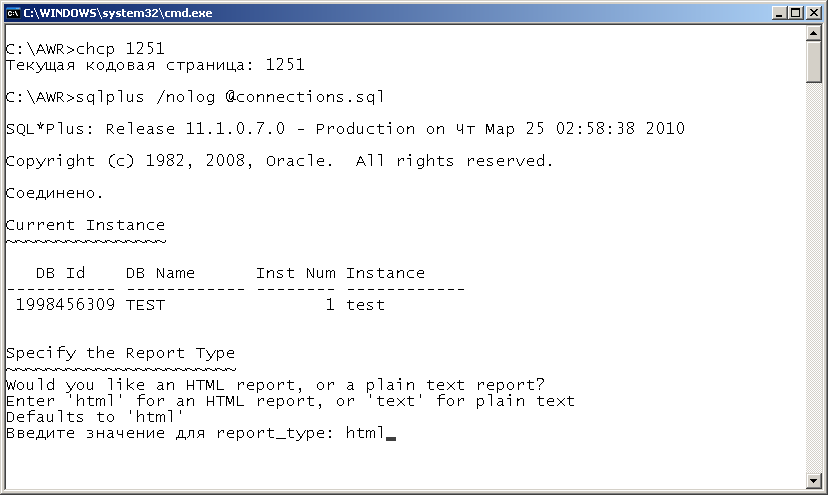
4. Run run.bat. The program asks in which format to present the information.
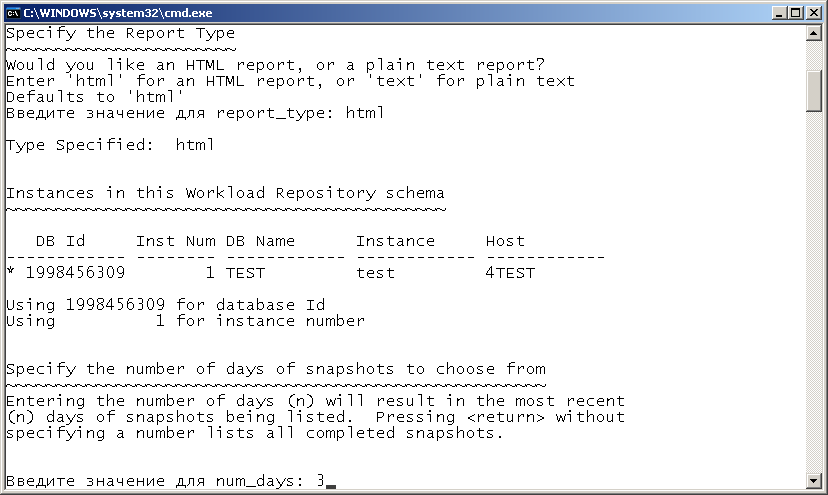
5. For which period the information is of interest
6. Start and end snapshot for this period
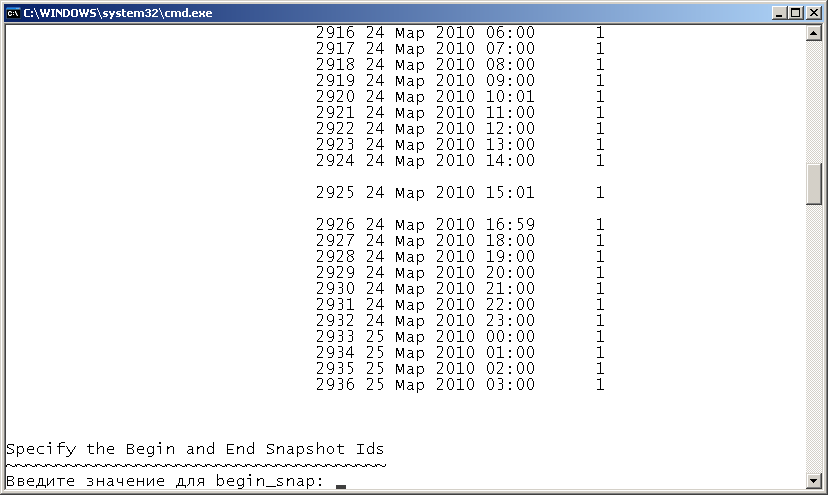
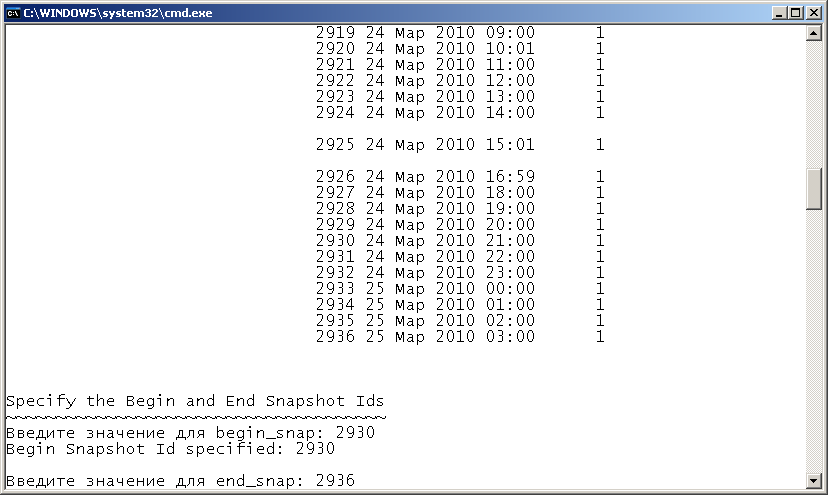
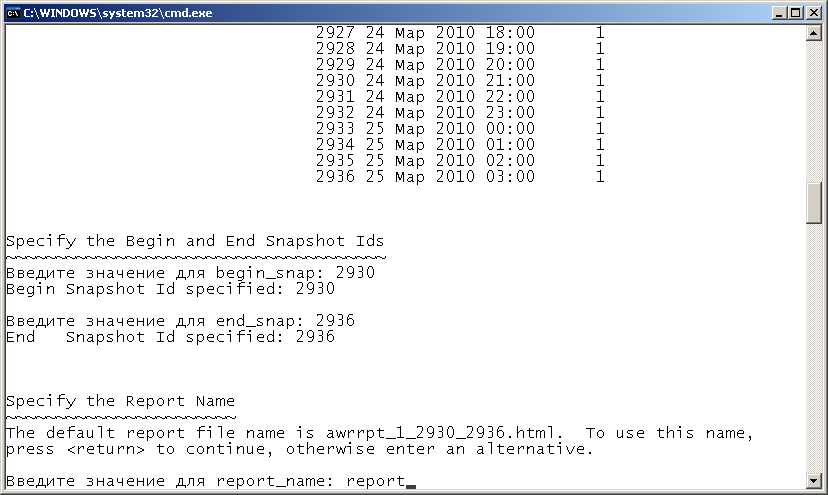
7. Name for the report file being created. In this case report
8. Generated report.LST file. Rename it to report.html and run
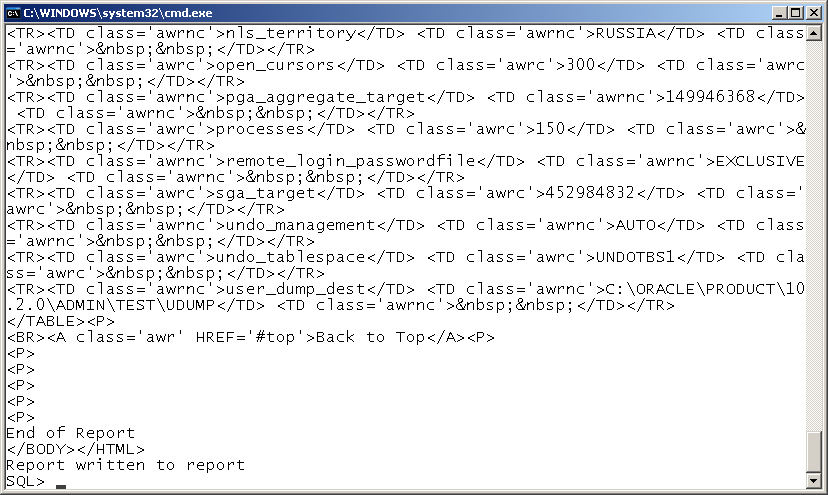
9. Report prepared