[Oracle DataBase Server 12.1 Installation on Oracle Linux 6.7]: Creating a Database Instance
Run the command:
$ dbca
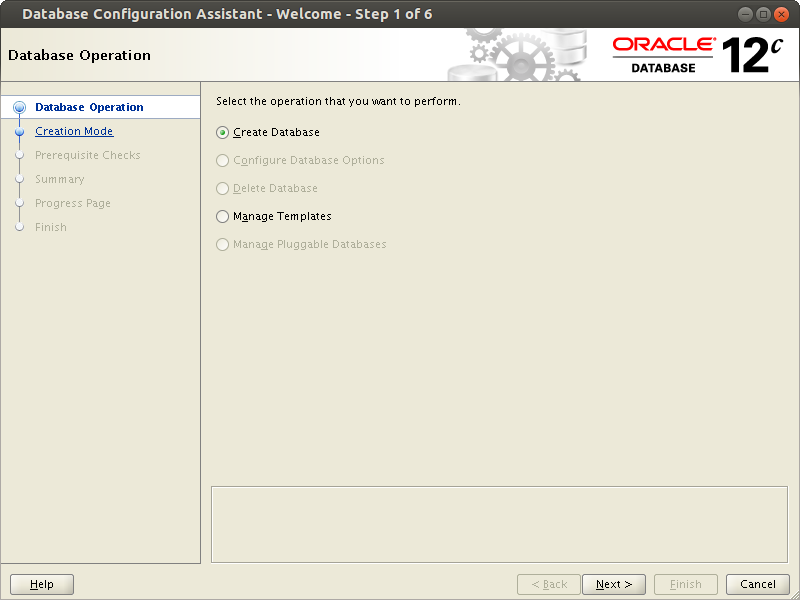
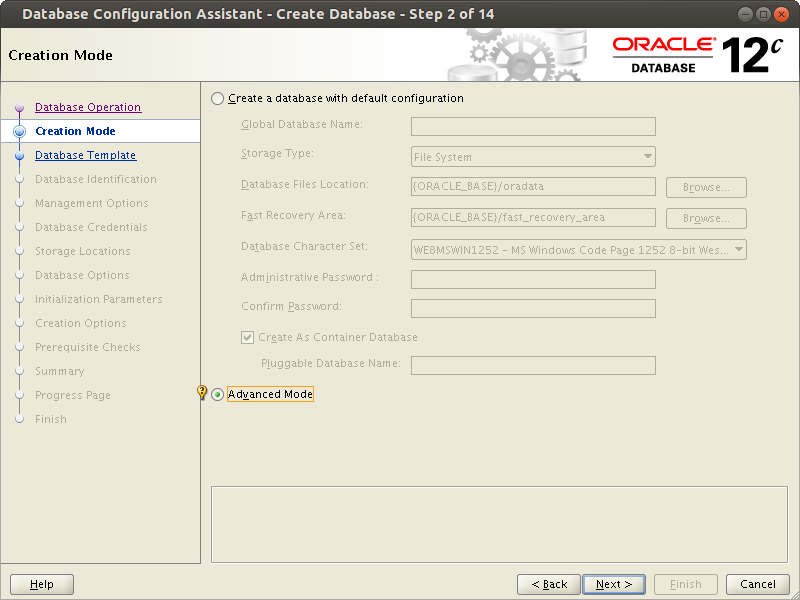
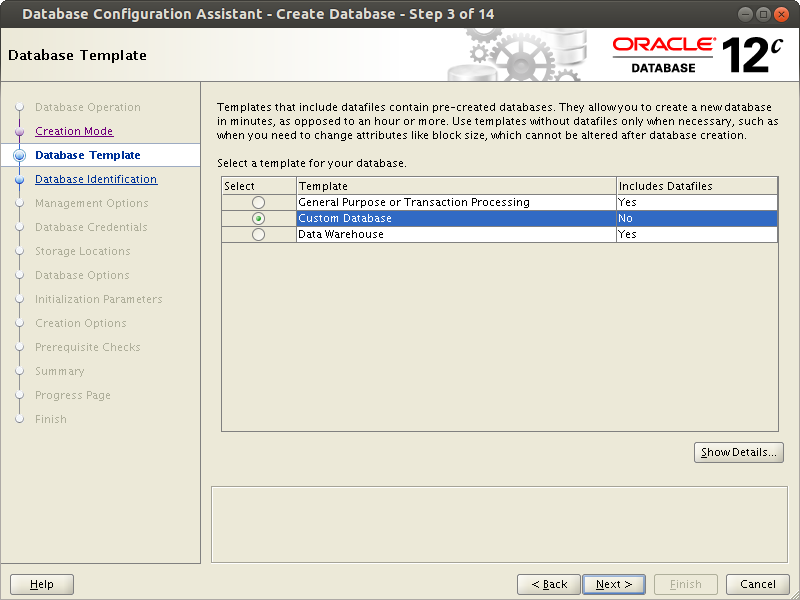
Oracle offers to create a database instance based on one of the prepared templates.

1. Online Transaction Processing (OLTP) - when you need to optimize data input into the database. Primarily operations for adding and modifying data.
2. General purpose database (custom database) - you are offered to choose system parameters yourself. (the most optimal option).
3. Data warehouse - when you need to optimize work with data in the database. Advantage of read operations and building analytical reports.

If necessary, these parameters can be changed later in pfile or spfile.
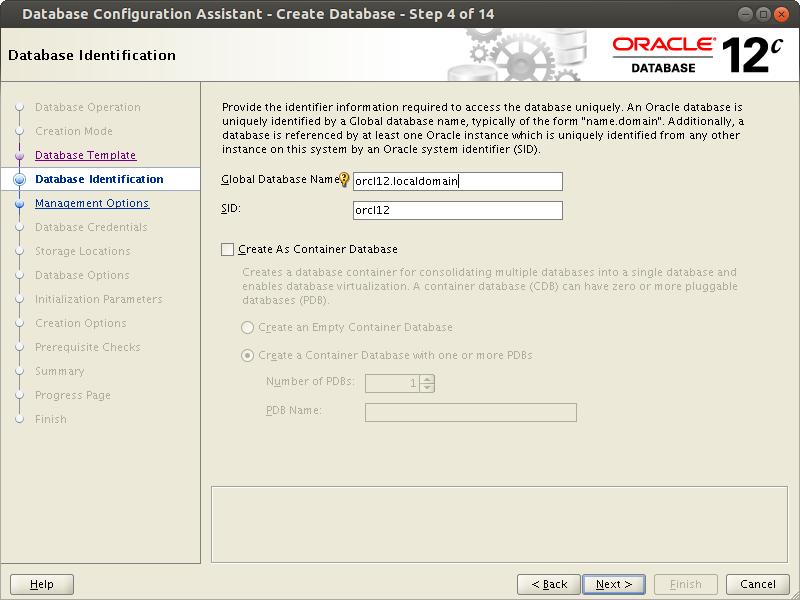
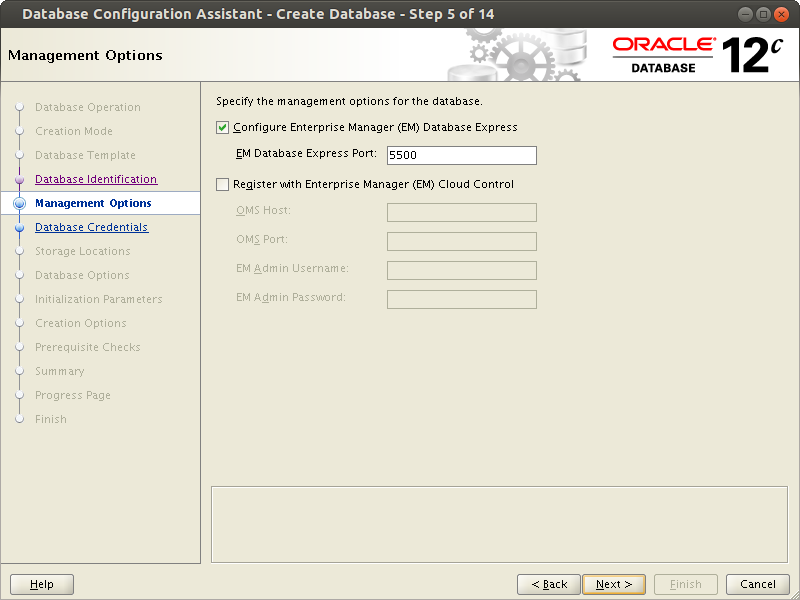
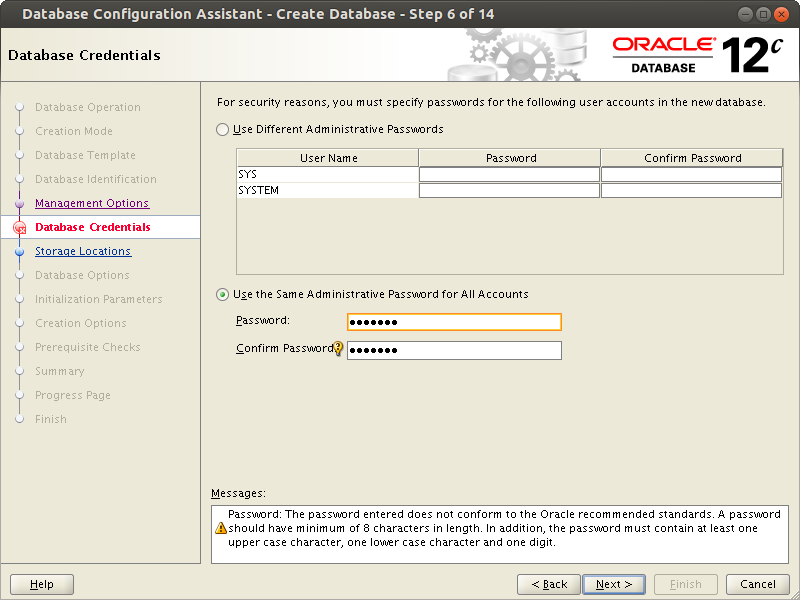
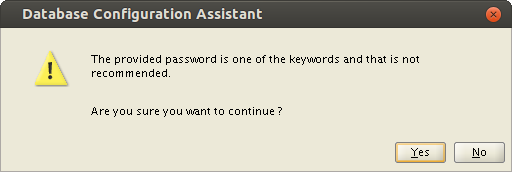
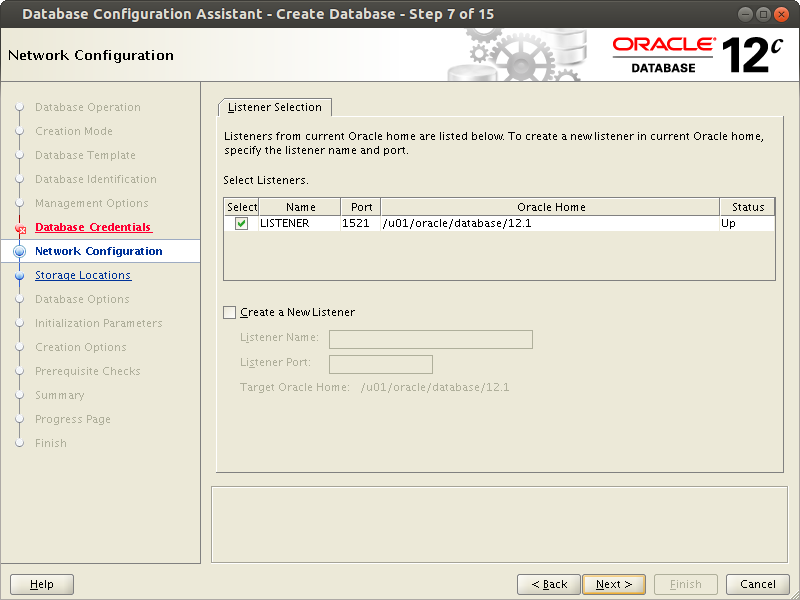
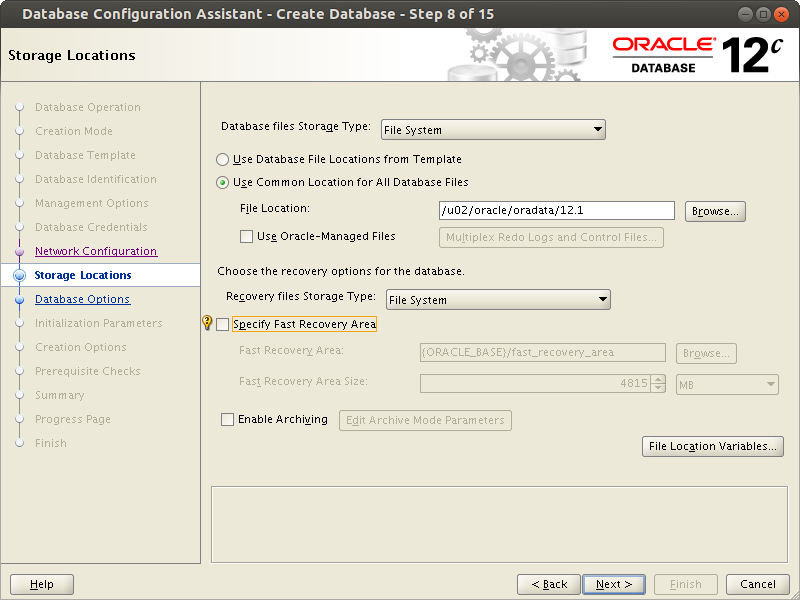
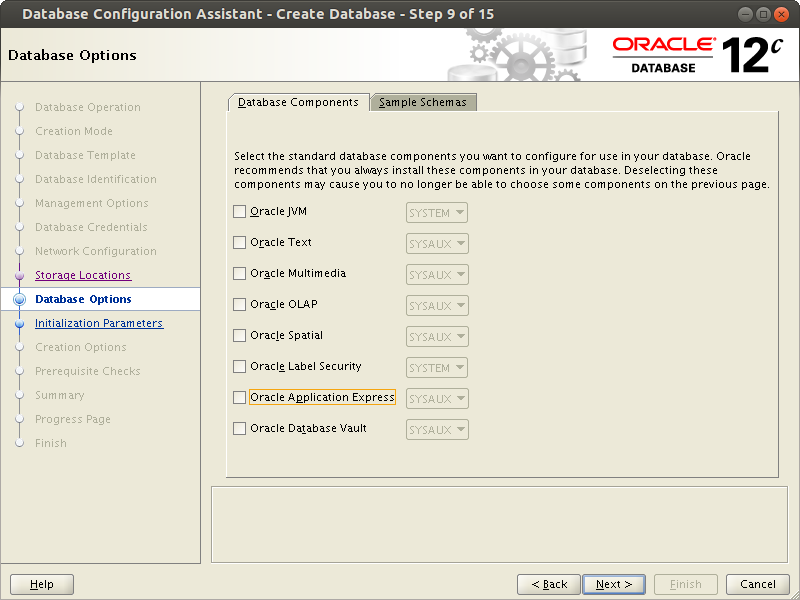
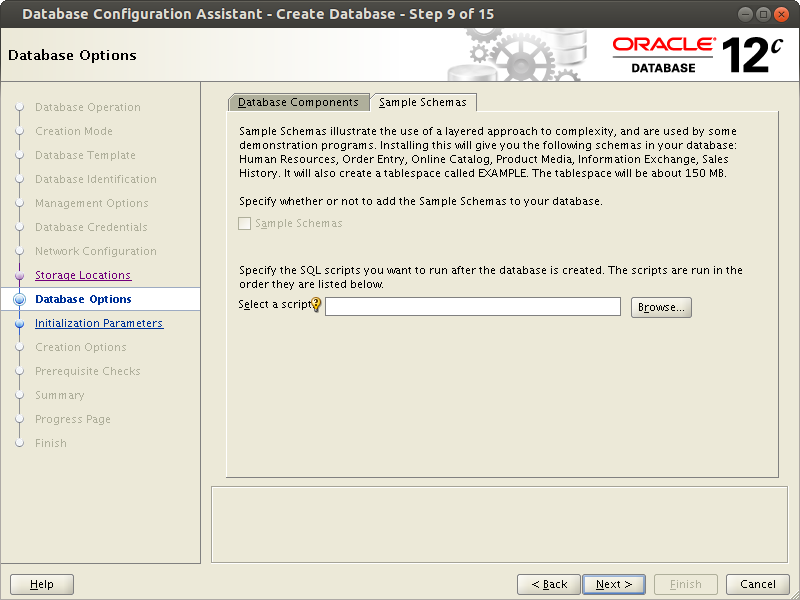
You are asked to select additional components. If you are not planning to use them, most likely you should not install them.

Oracle Text  - provides word indexing and search
http://docs.oracle.com/cd/B10501_01/text.920/a96517/cdefault.htm

Oracle OLAP - multidimensional data analysis for analytical applications.
http://www.oracle.com/technetwork/documentation/olap-101824.html

Oracle Spatial -  for Geographic Information System (GIS) (Probably something like google maps)
http://docs.oracle.com/html/A88805_01/sdo_intr.htm

Oracle Multimedia - needed if you plan to store images, audio, video in the database.
http://docs.oracle.com/cd/E11882_01/appdev.112/e10777/ch_intr.htm#i610845

Oracle JVM - needed if you need to call programs (procedures, functions, etc.) written in java directly inside the database.

Application Express - an application that allows you to easily create applications working with the database using wizards. Makes sense to keep only if you plan to work with it.
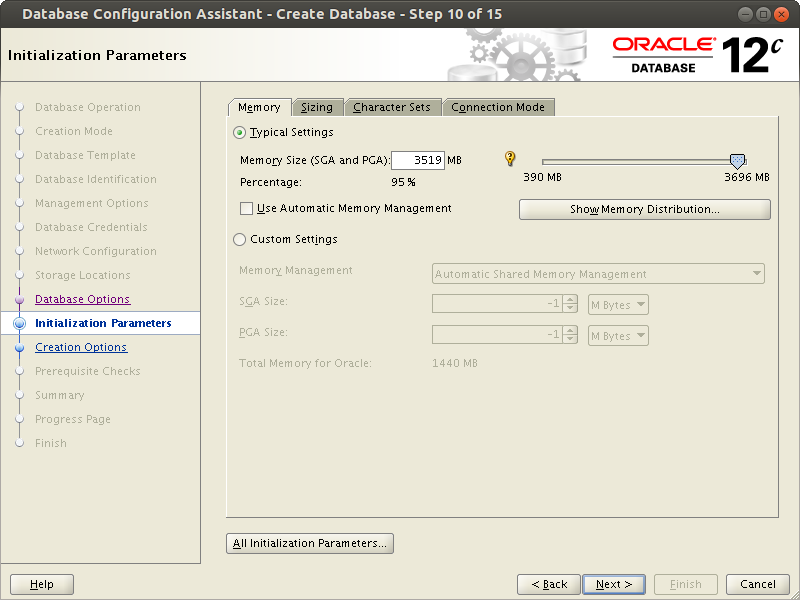
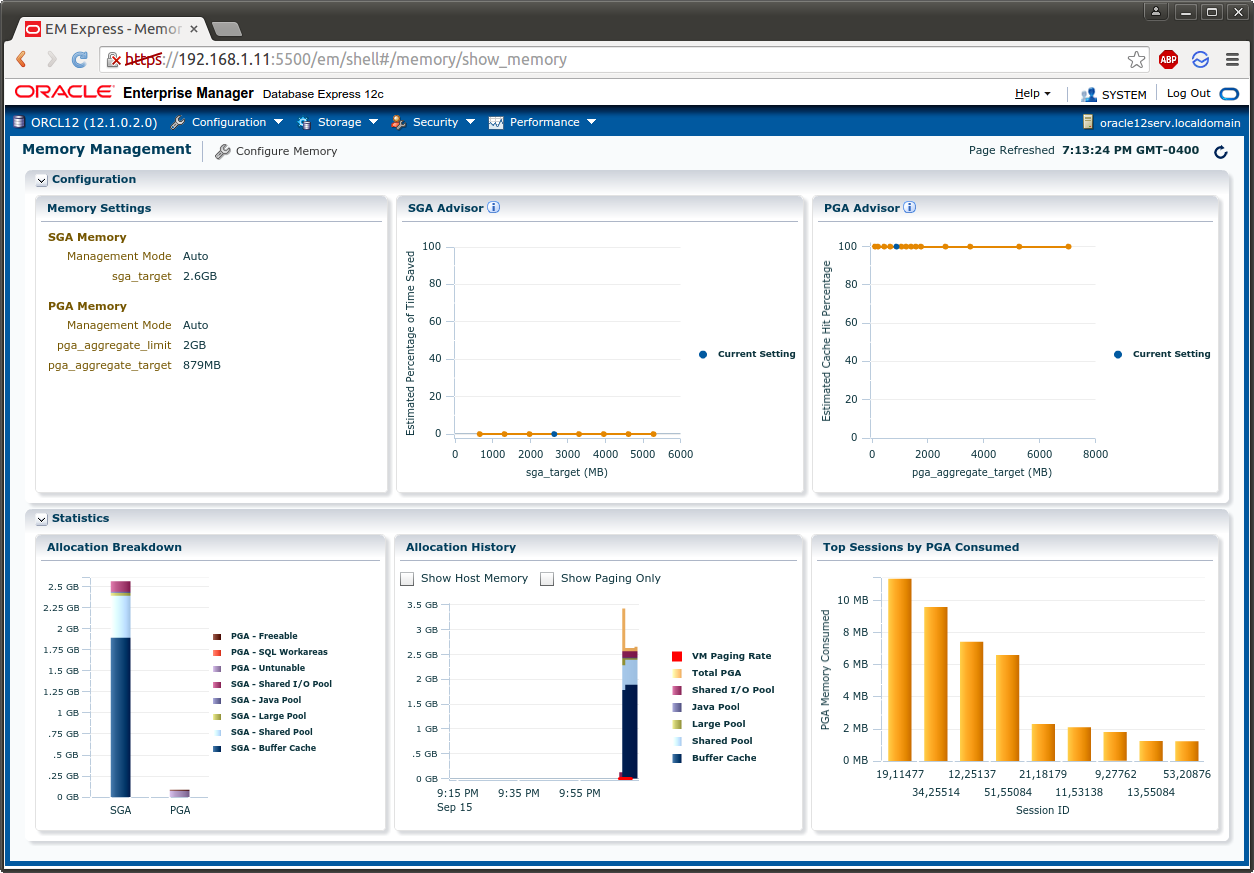
If you are not planning to create another database instance on the server, it makes sense to allocate more memory to the server (> 90%).

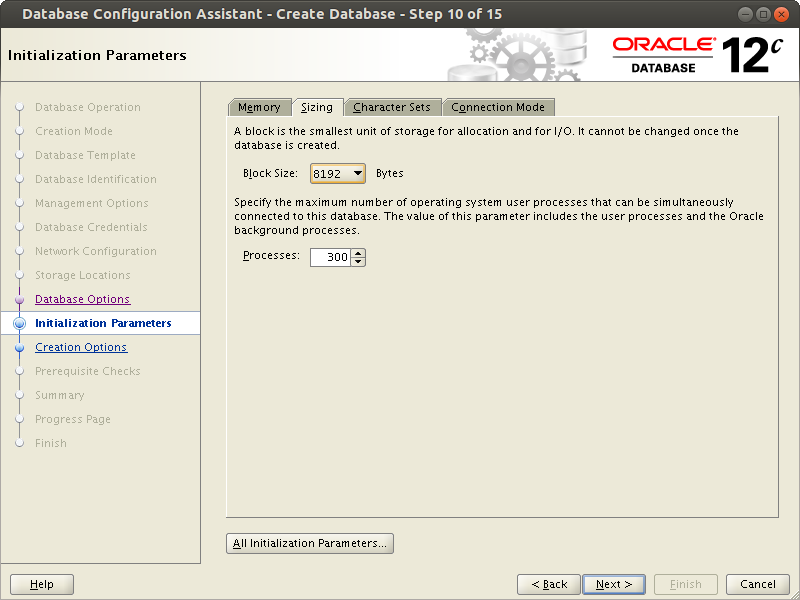
You can also set the system parameters of the database being created yourself.
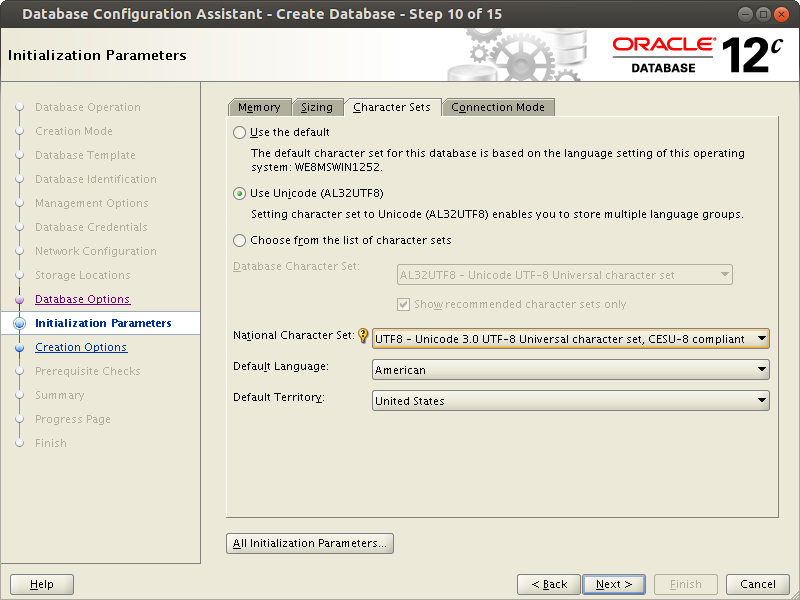
If the database will use Cyrillic, it is recommended to choose an encoding that supports this feature. Unicode, where each character is encoded with 2 bytes, is quite suitable for this task.
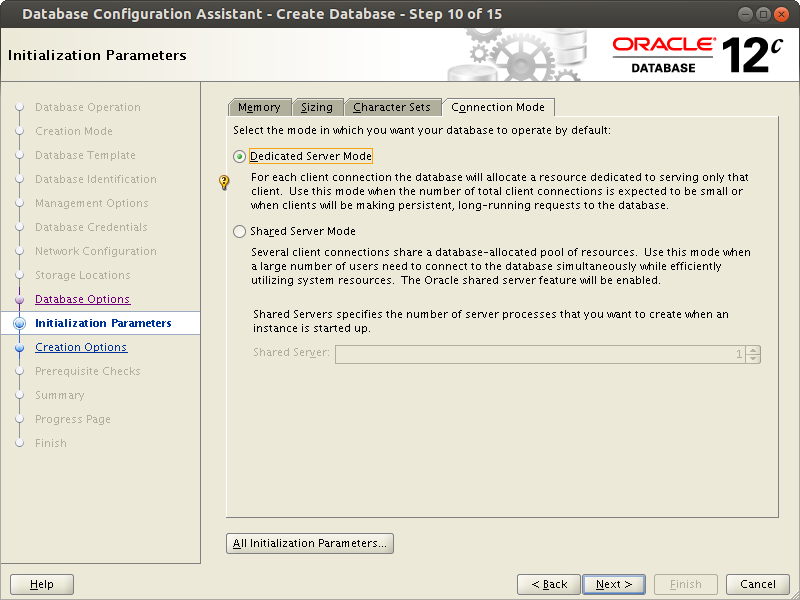
- Dedicated Server Mode - a separate service is created for each connection.
- Shared Server Mode - a connection pool is created, and all clients connect to the database through this pool. Makes sense to use only in case of insufficient server resources to create dedicated services.
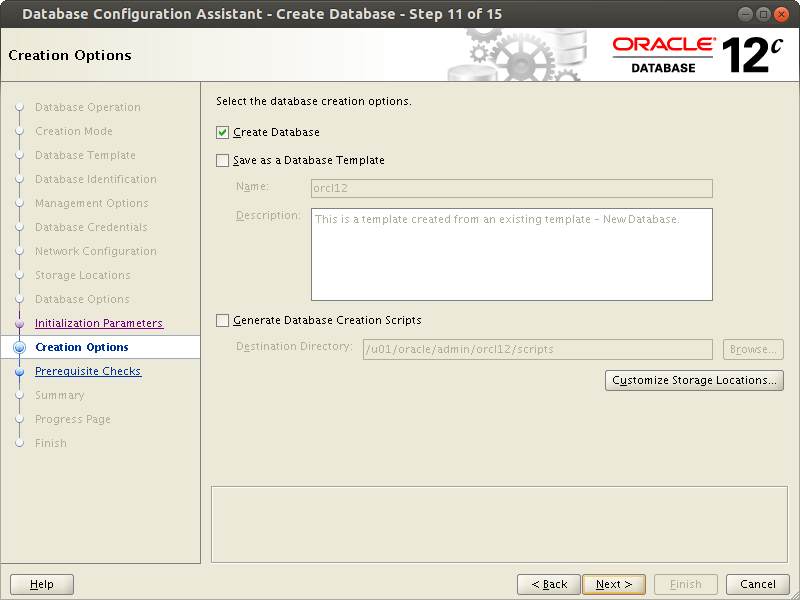
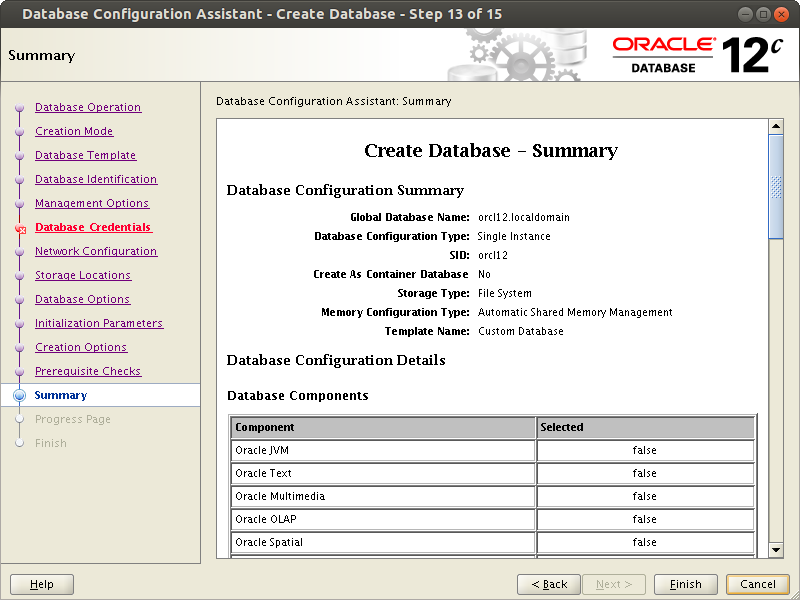
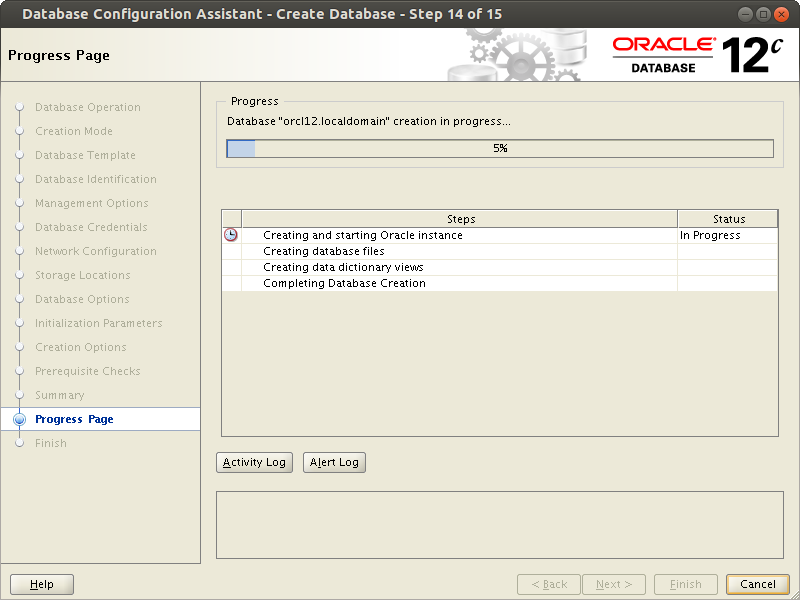
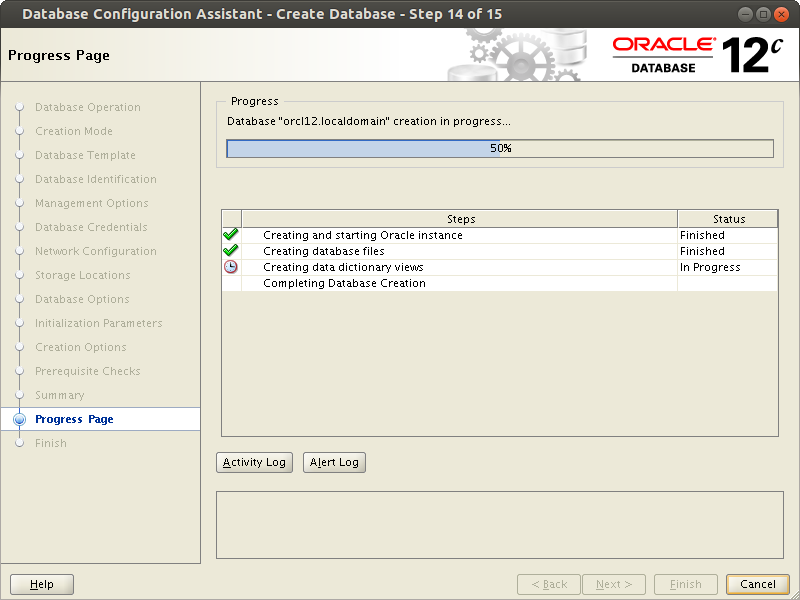
At this step, the installation progress seems to stop and nothing happens for some time. You need to wait.
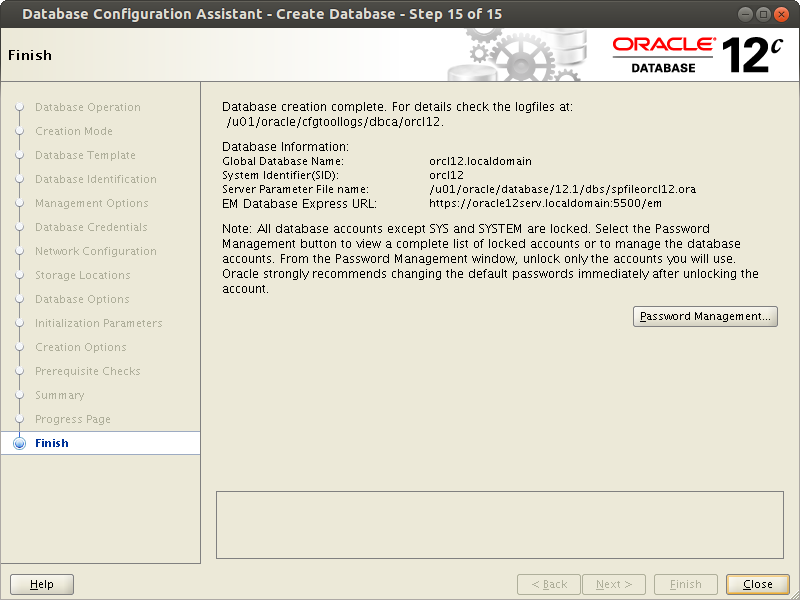
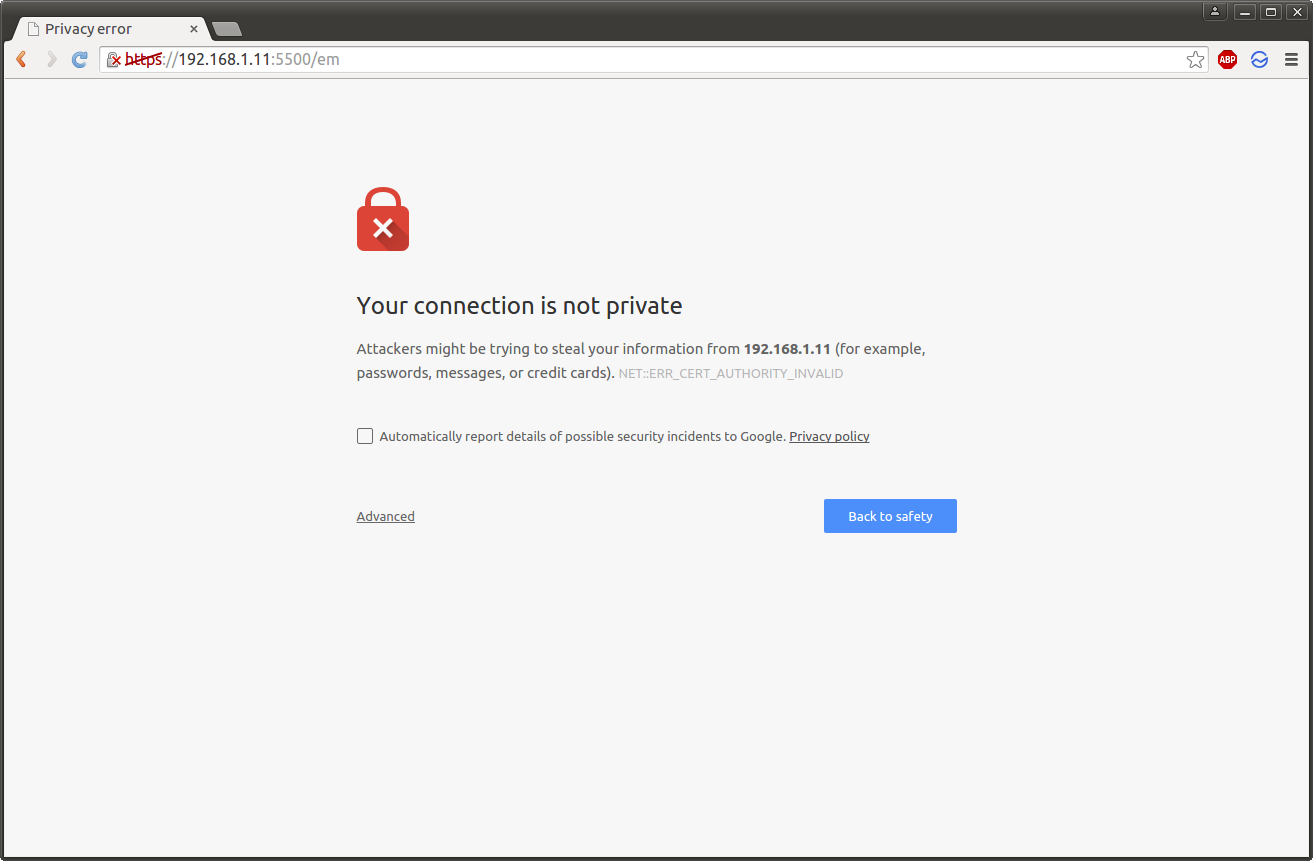
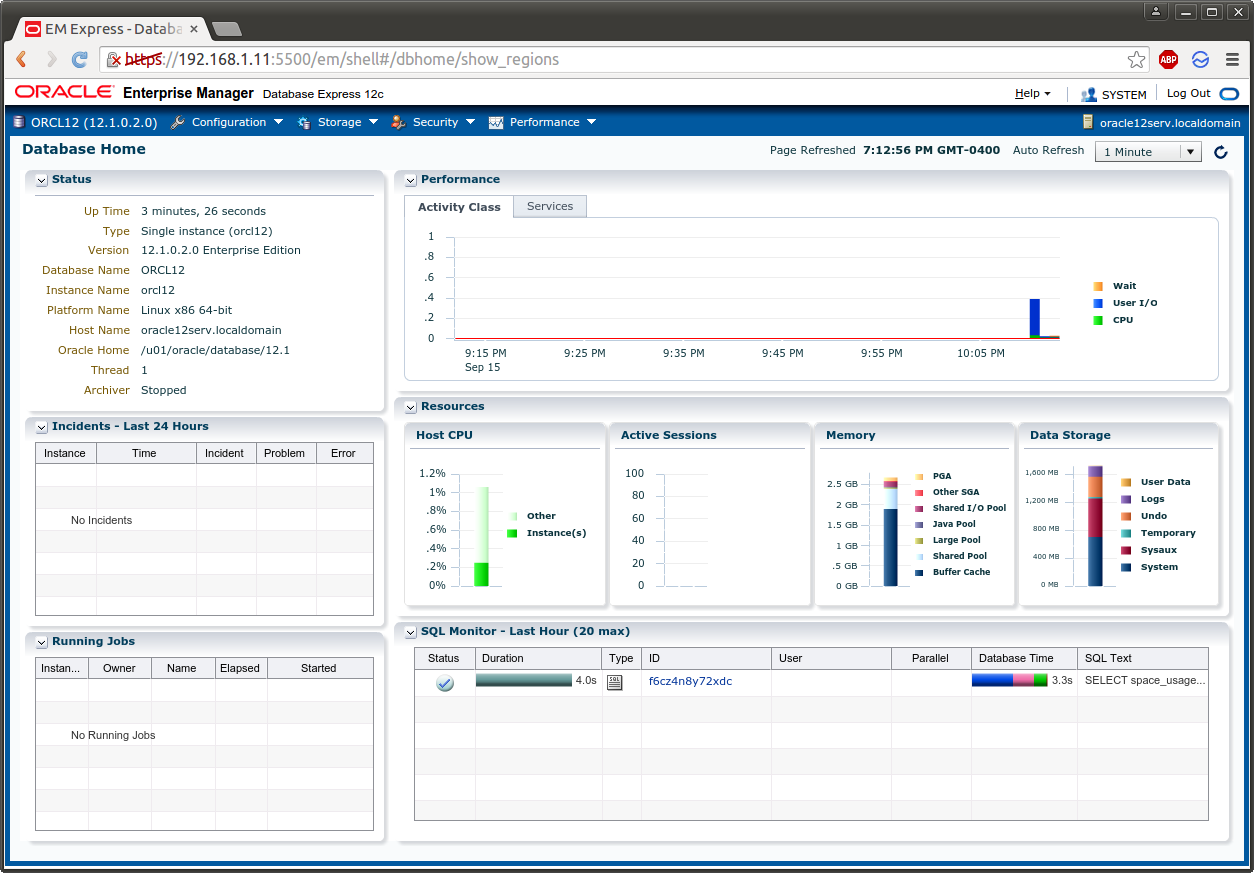
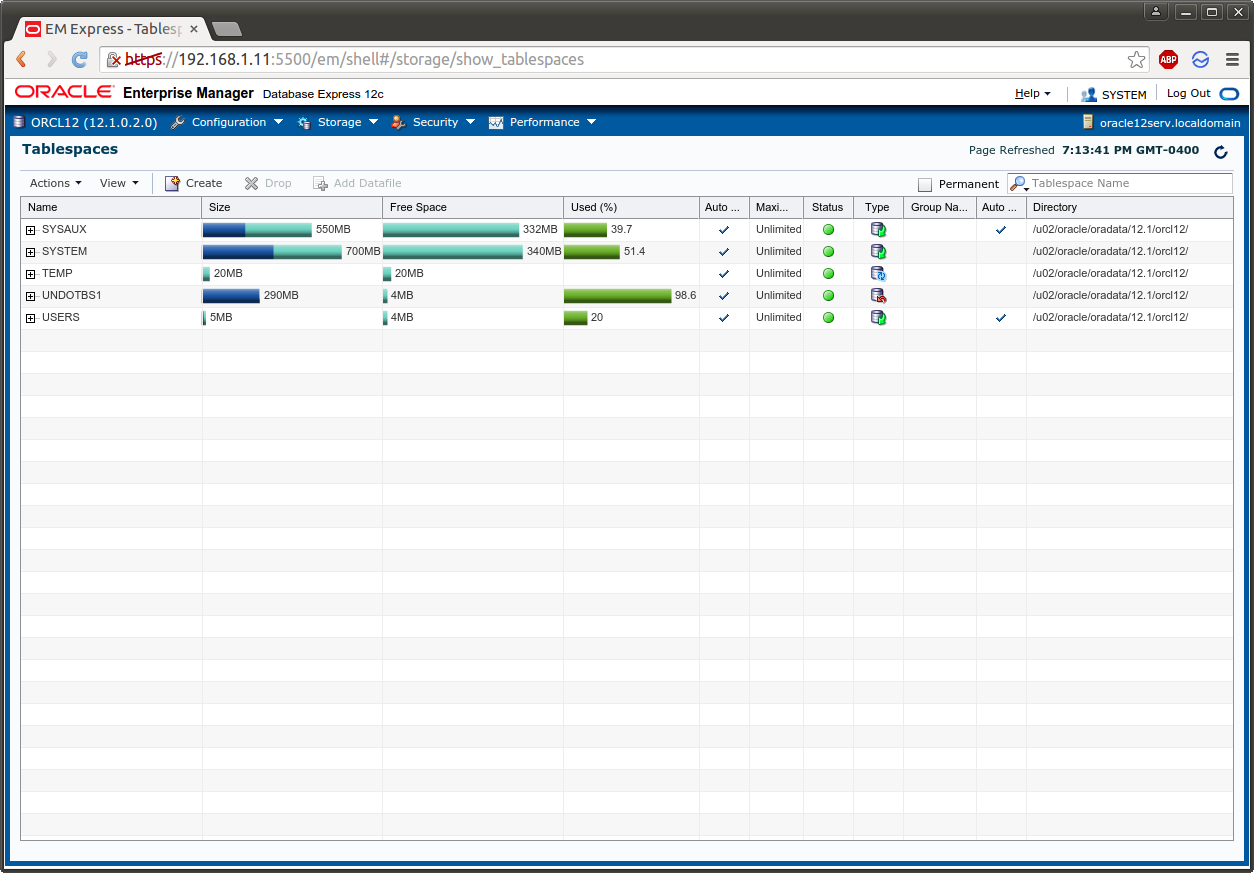
Enterprise Manager did not start under Firefox for me. However, mine is overloaded with various plugins that block active site components.
https://192.168.1.11:5500/em
$ sqlplus / as sysdba

SQL*Plus: Release 12.1.0.2.0 Production on Tue Sep 15 22:14:27 2015

Copyright (c) 1982, 2014, Oracle.  All rights reserved.


Connected to:
Oracle Database 12c Enterprise Edition Release 12.1.0.2.0 - 64bit Production
With the Partitioning, OLAP, Advanced Analytics and Real Application Testing options
SQL> select status from v$instance;

STATUS
------------
OPEN