[Installing Oracle DataBase Server 11.2.0.3 on Oracle Linux 6.3]: Updating the Database with Oracle Recommended Patches
If you have an active contract for access to support.oracle.com, you can download the latest updates for Oracle products and, if necessary, make a request to technical support, including for custom patches. This was especially relevant during the period when time zones changed due to the President's decree.

On one of the tabs, Oracle shows which patches it recommends applying.
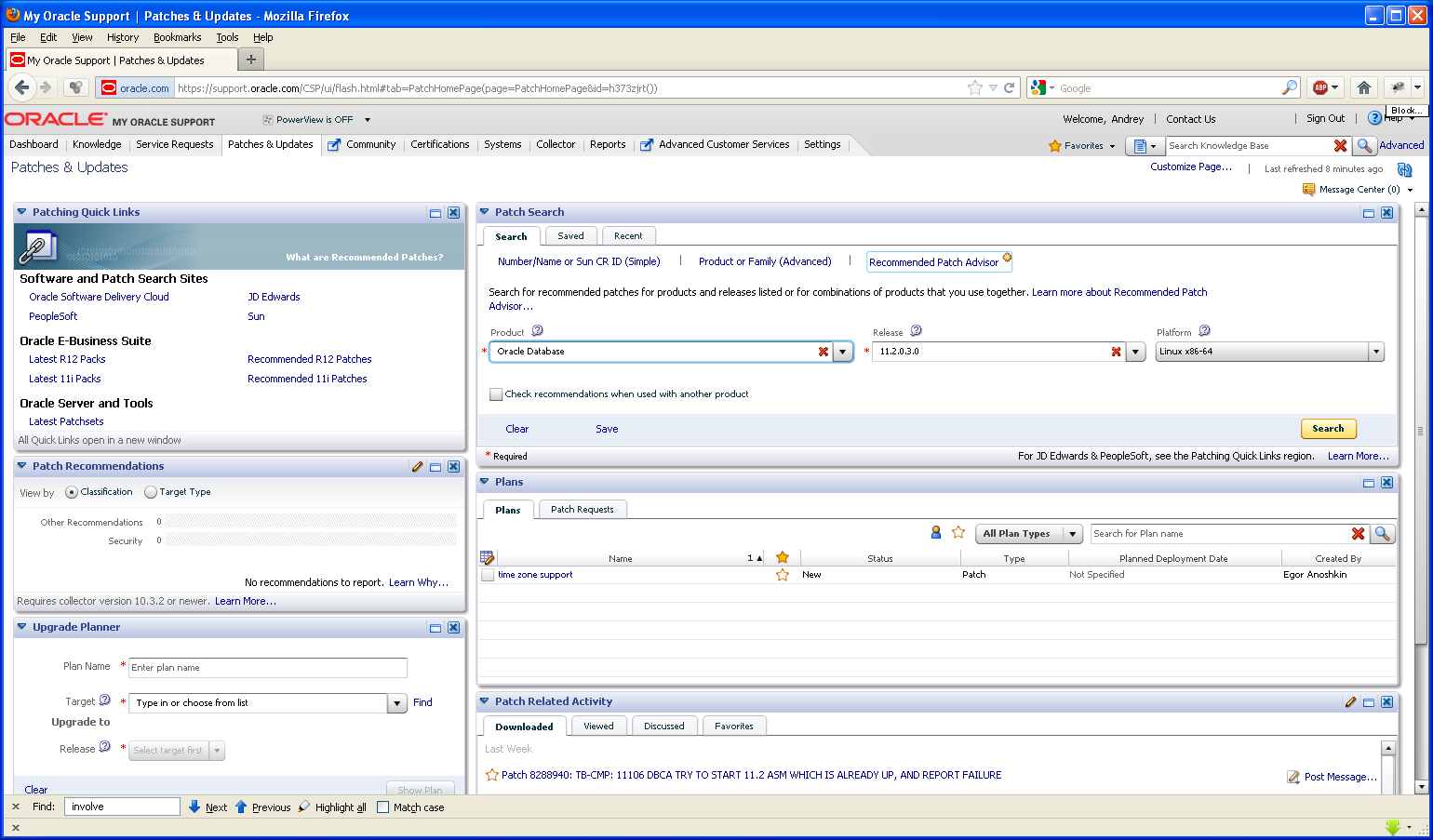
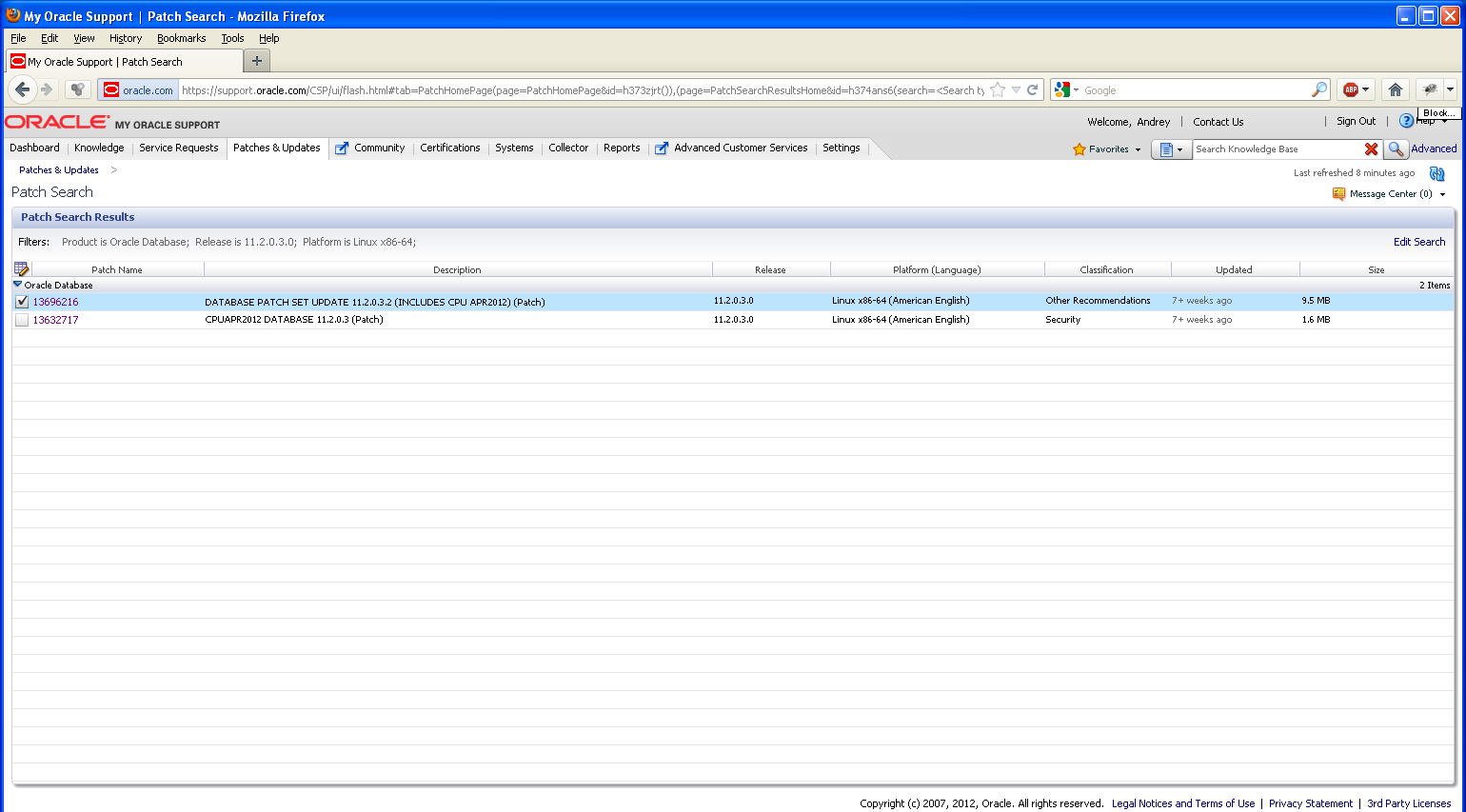
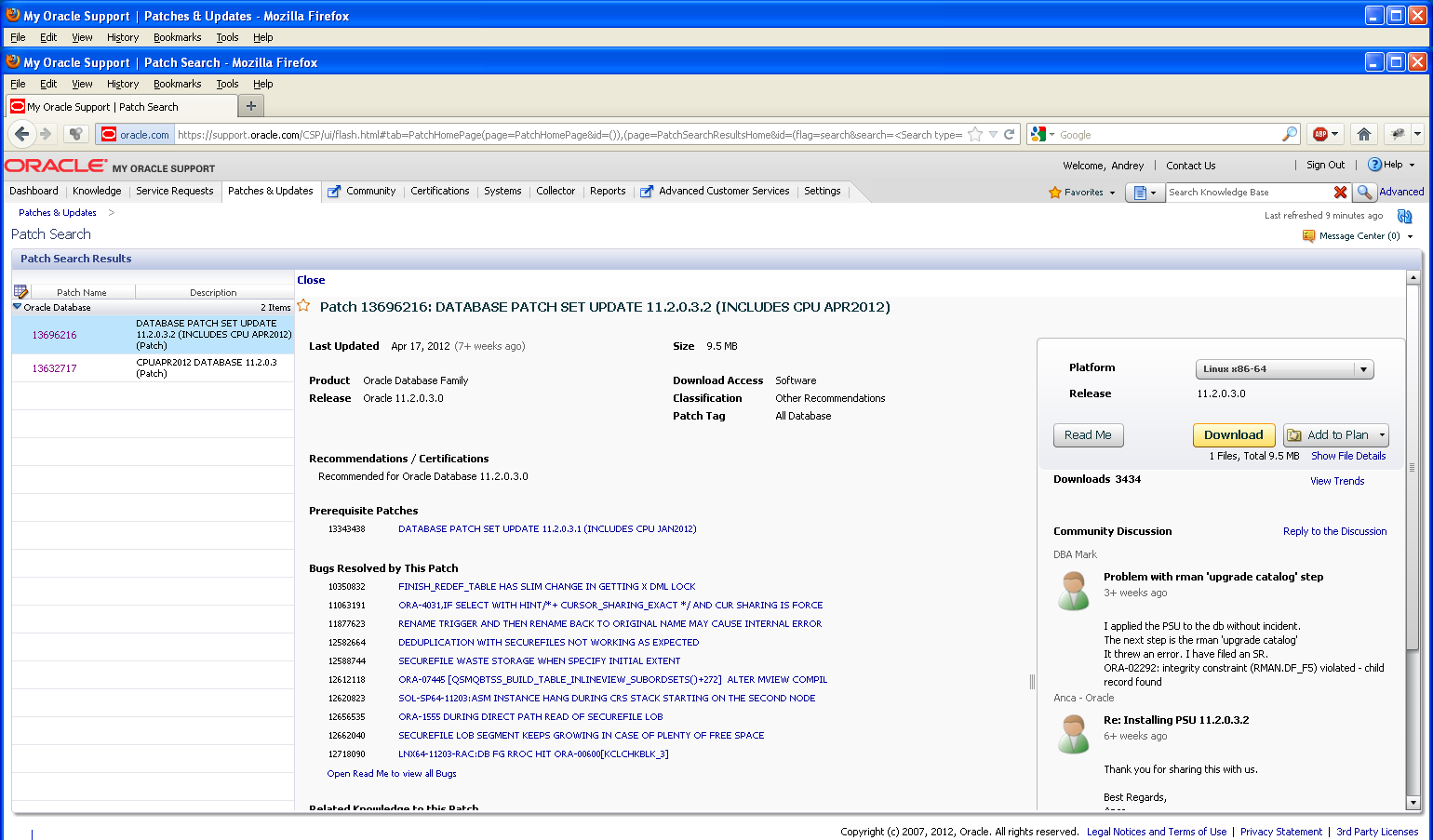
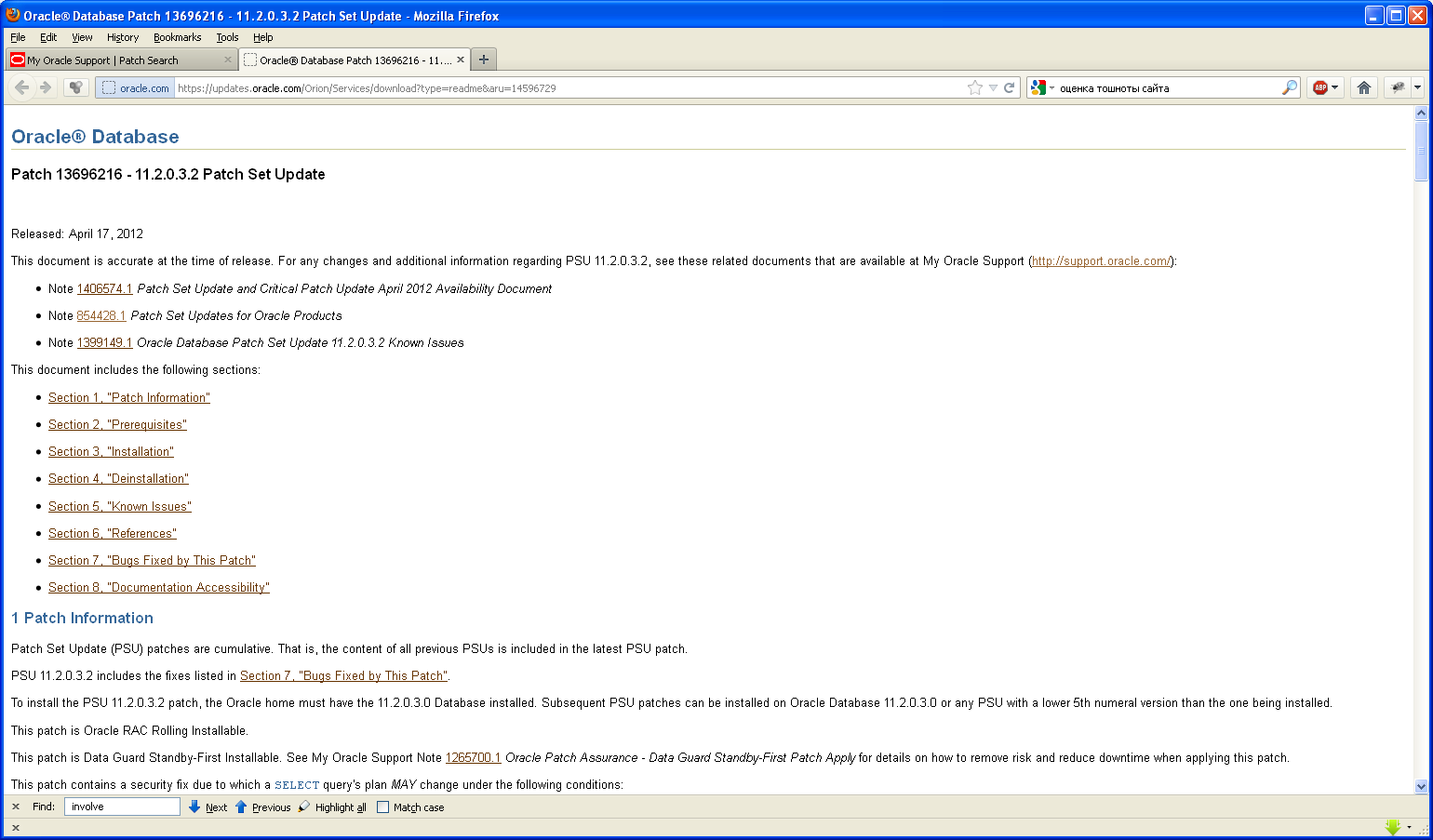
Before applying, it is recommended to update the patch update system itself, which is called OPatch.
OPatch itself has an internal code 6880880 and is available for download:

https://updates.oracle.com/ARULink/PatchDetails/process_form?patch_num=6880880
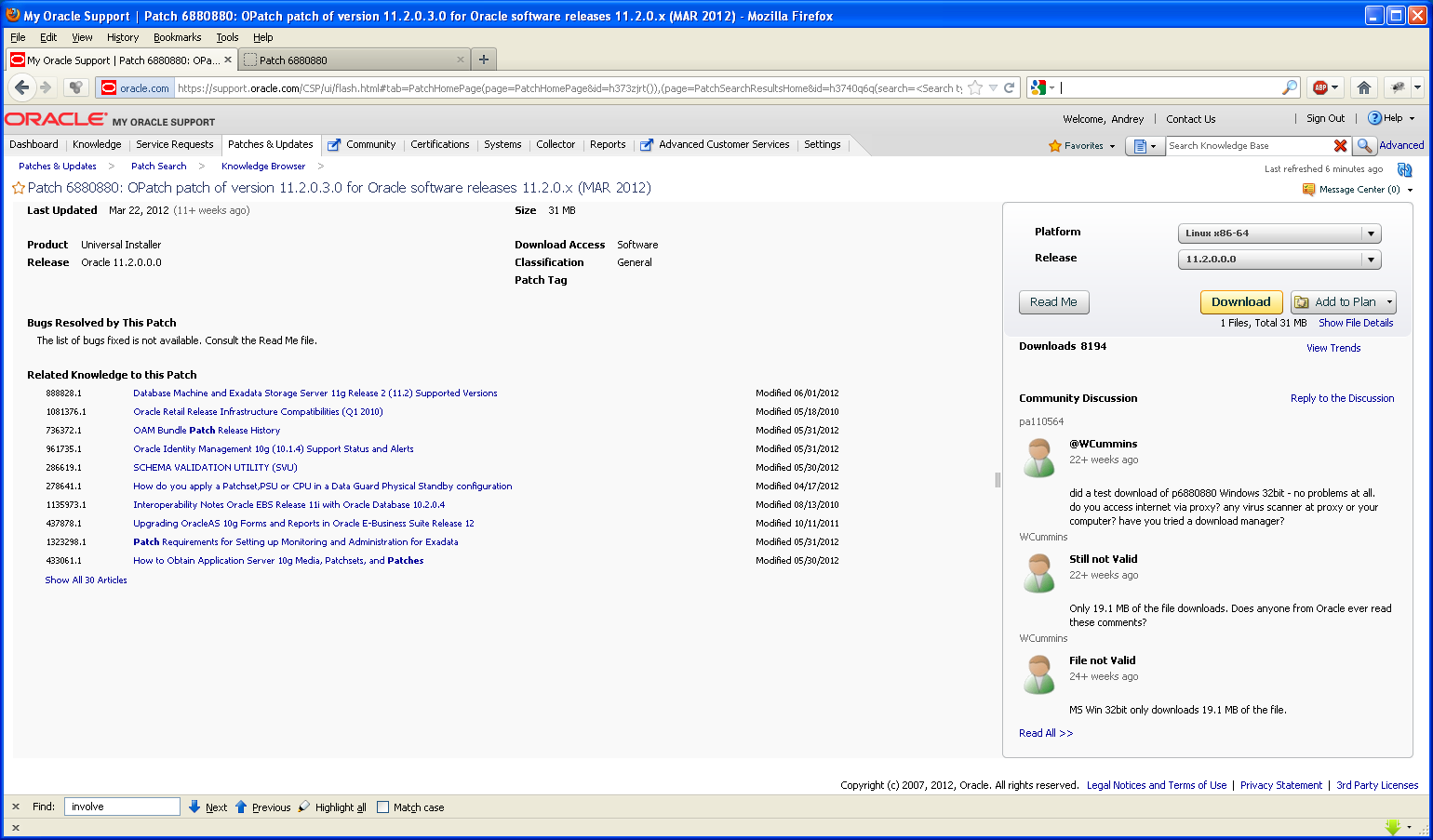
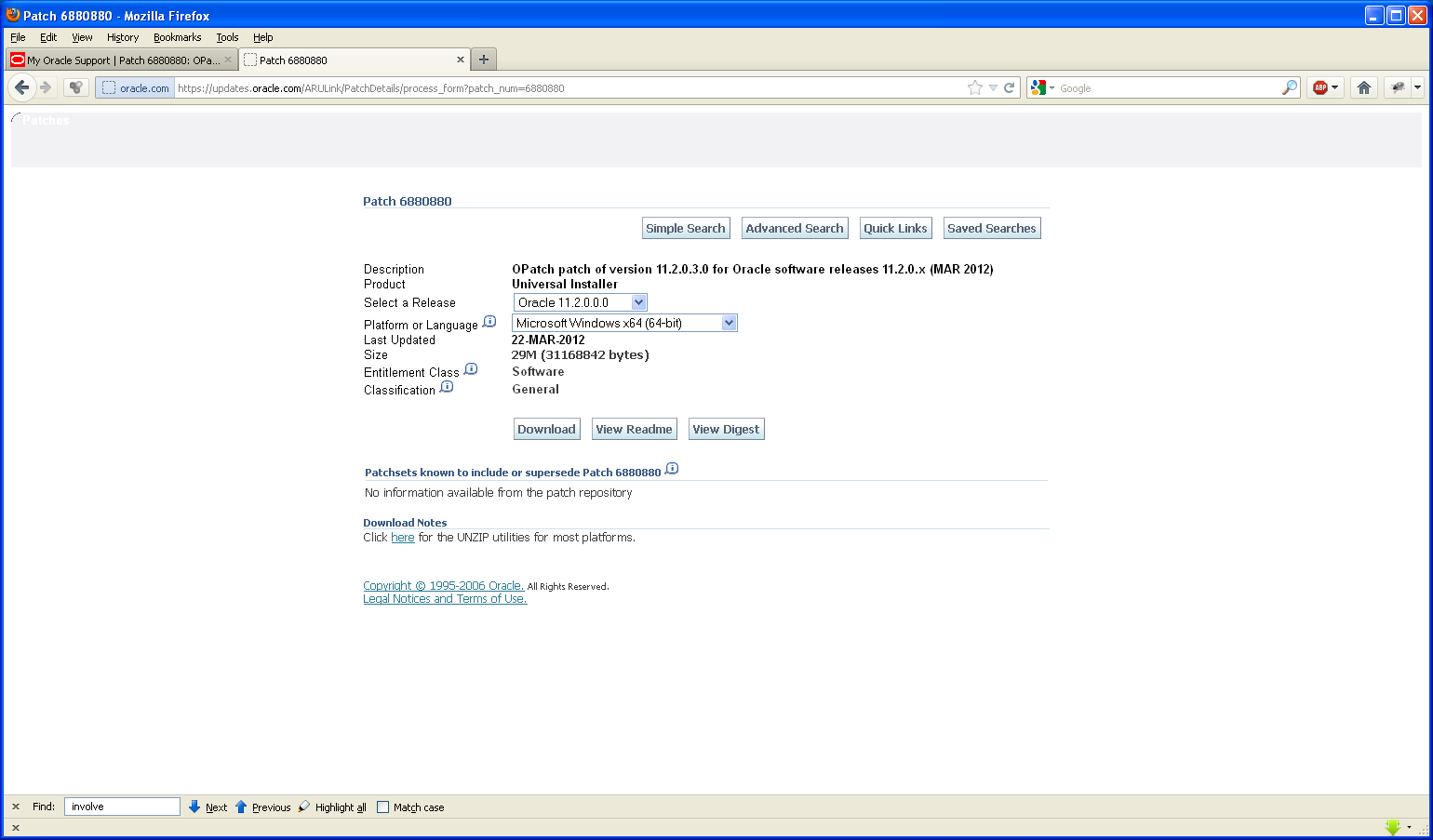
Updating OPatch
$ rm -rf /u01/oracle/database/11.2/OPatch/
$ unzip p6880880_112000_Linux-x86-64.zip
$ mv OPatch/ /u01/oracle/database/11.2
$ cd /u01/oracle/database/11.2/OPatch
$ ./opatch version
OPatch Version: 11.2.0.3.0
OPatch succeeded.
2) Applying Patch 1
$ sqlplus / as sysdba
SQL> shutdown immediate;
SQL> quit
$ cd /tmp
$ export PATH=$PATH:/u01/oracle/database/11.2/OPatch
$ unzip p13632717_112030_Linux-x86-64.zip
$ cd 13632717/
$ opatch napply -skip_subset -skip_duplicate
....
OPatch succeeded.
cd $ORACLE_HOME/rdbms/admin
$ sqlplus / as sysdba
SQL> startup
SQL> @catbundle.sql cpu apply
SQL> QUIT
3) Applying Patch 2
$ sqlplus / as sysdba
SQL> shutdown immediate;
SQL> quit
$ cd /tmp
$ unzip p13696216_112030_Linux-x86-64.zip
$ cd 13696216
$ opatch prereq CheckConflictAgainstOHWithDetail -ph ./
$ opatch apply
***
OPatch completed with warnings.
$ cd $ORACLE_HOME/rdbms/admin
$ sqlplus / as sysdba
SQL> startup
SQL> @catbundle.sql psu apply
SQL> QUIT