[Installing Oracle DataBase Server 11.2.0.3 on Oracle Linux 6.3]: Installing Oracle DBMS (DataBase SoftWare)
Log in as the user who will perform the database installation.
# su - oracle11
$ cd /tmp
$ unzip p10404530_112030_Linux-x86-64_1of7.zip; \
unzip p10404530_112030_Linux-x86-64_2of7.zip
$ cd /tmp/database
Set the DISPLAY environment variable as follows.
$ export DISPLAY=192.168.1.200:0.0
In this case, 192.168.1.200 is the IP address of the computer from which the installation process is managed. This computer must have an xserver running, e.g., XMing (on Windows).
If installing from Linux, you can look at the instructions in the version of the document with the Oracle 12 database.
Pre-installation configuration check:
$ ./runInstaller -executeSysPrereqs
Starting Oracle Universal Installer...

Checking Temp space: must be greater than 120 MB.   Actual 27697 MB    Passed
Checking swap space: must be greater than 150 MB.   Actual 4031 MB    Passed
Checking monitor: must be configured to display at least 256 colors.    Actual 65536    Passed
Exiting Oracle Universal Installer, log for this session can be found at /tmp/OraInstall2012-06-10_03-03-29AM/installActions2012-06-10_03-03-29AM.log
Starting the database installation program:
$ ./runInstaller
In some cases, you may need to run the installation ignoring system messages. Highly not recommended.
$ ./runInstaller -ignoreSysPrereqs
If everything is normal, an image will appear:

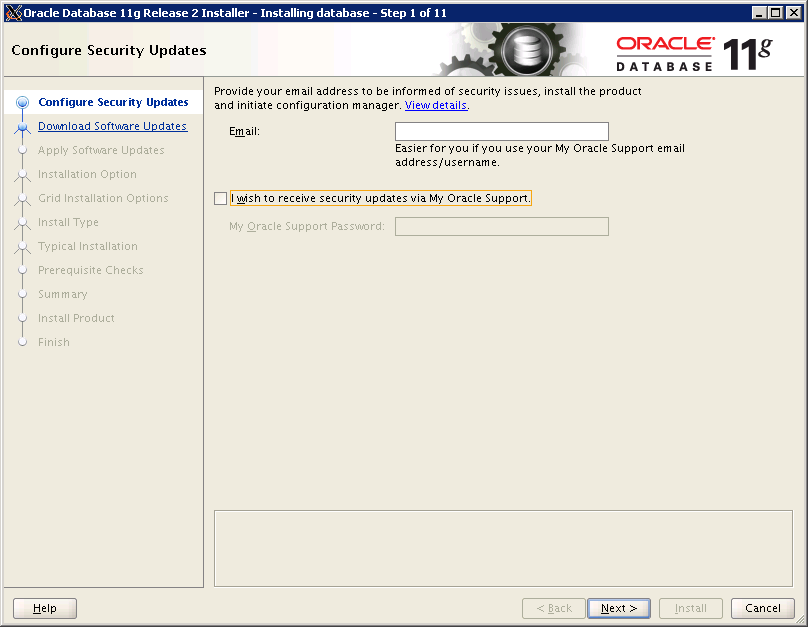
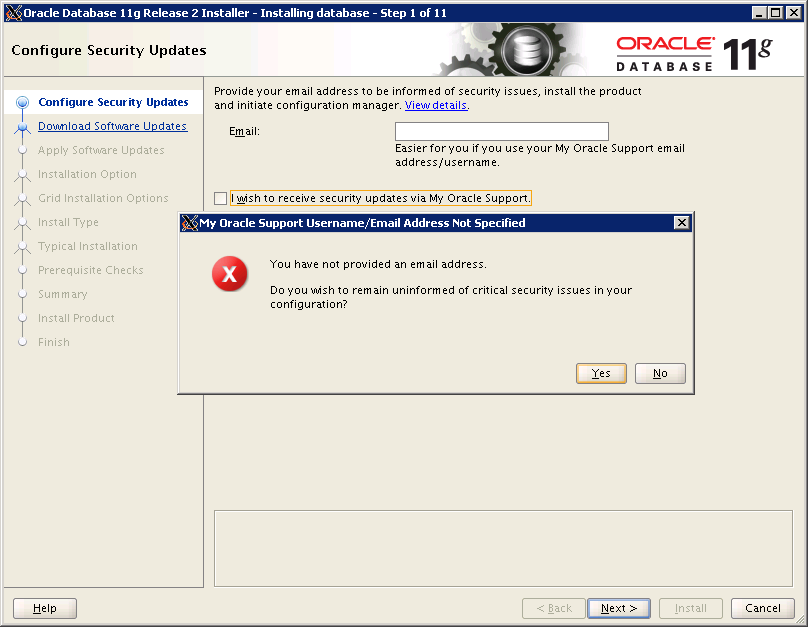
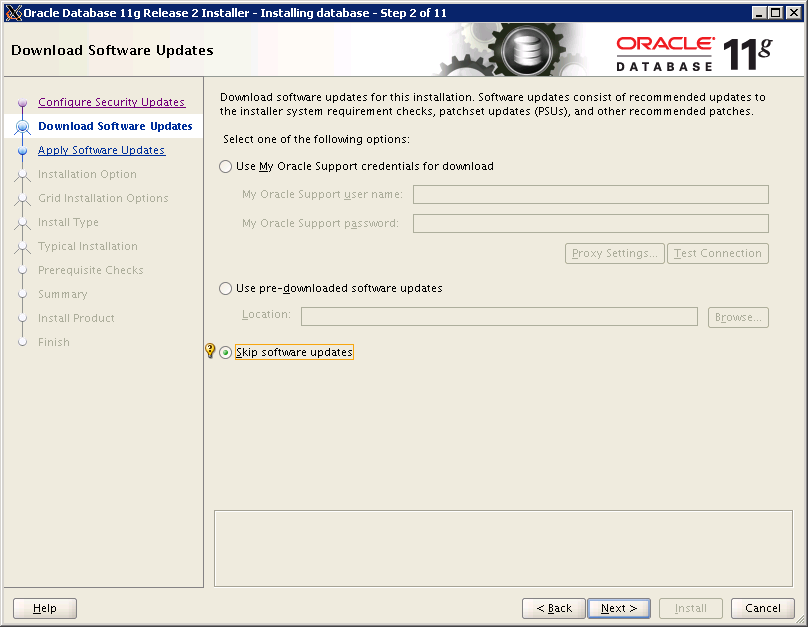
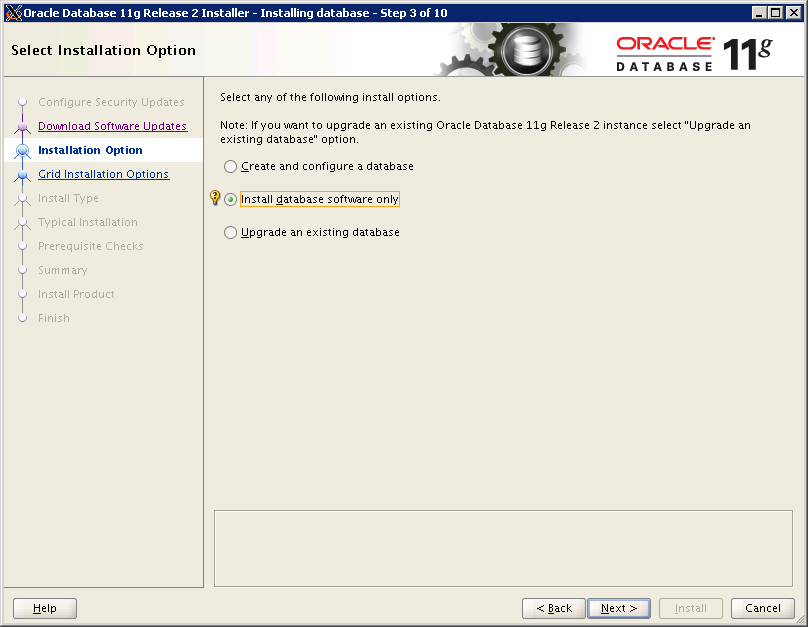
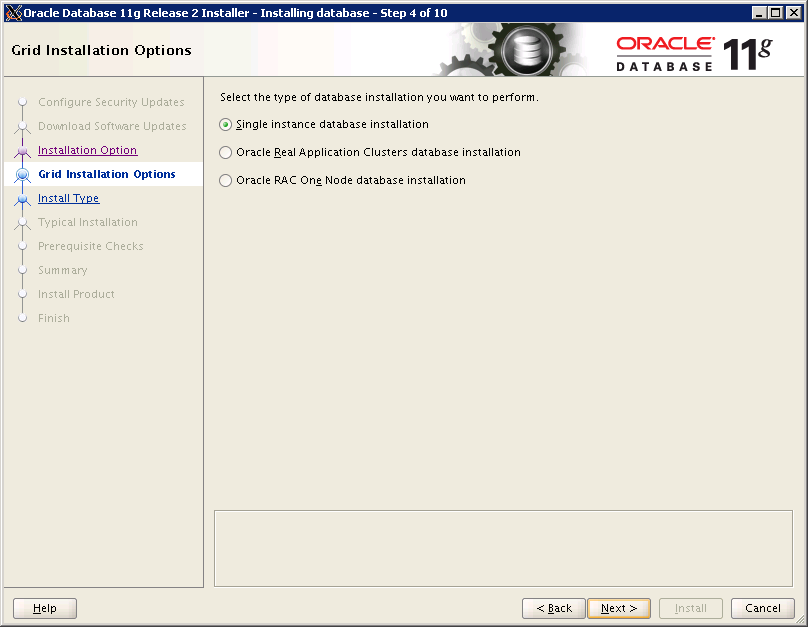
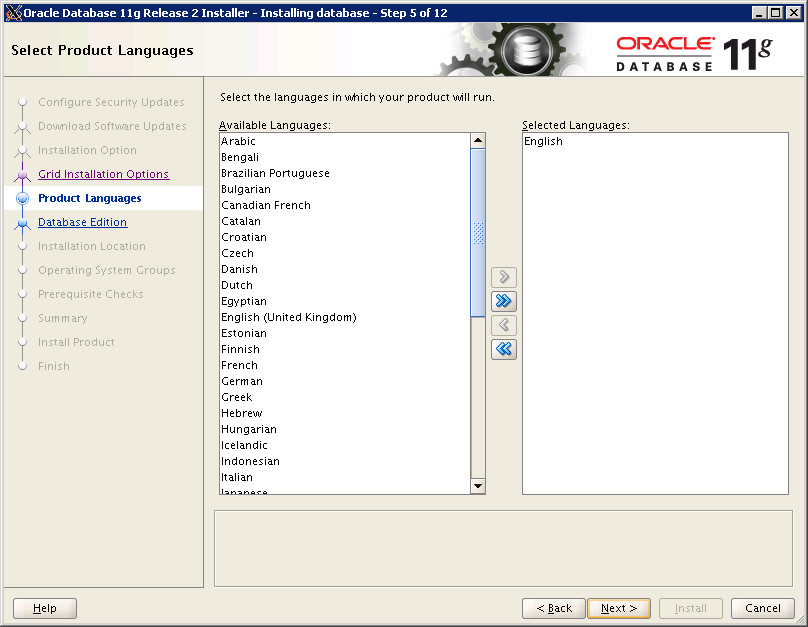
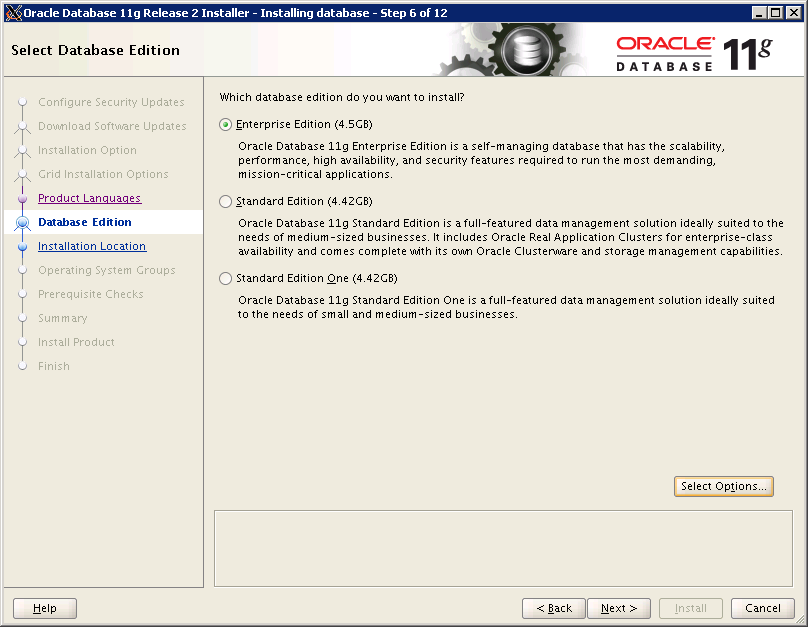
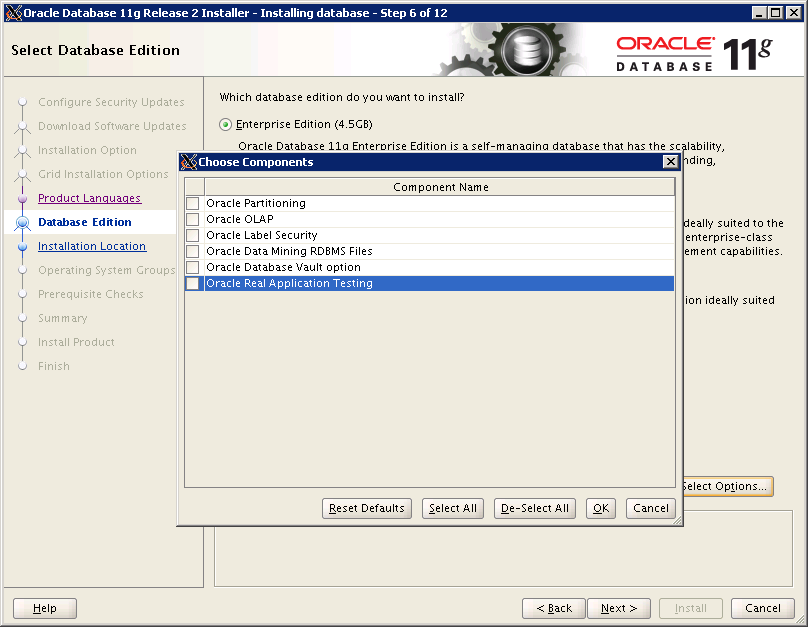
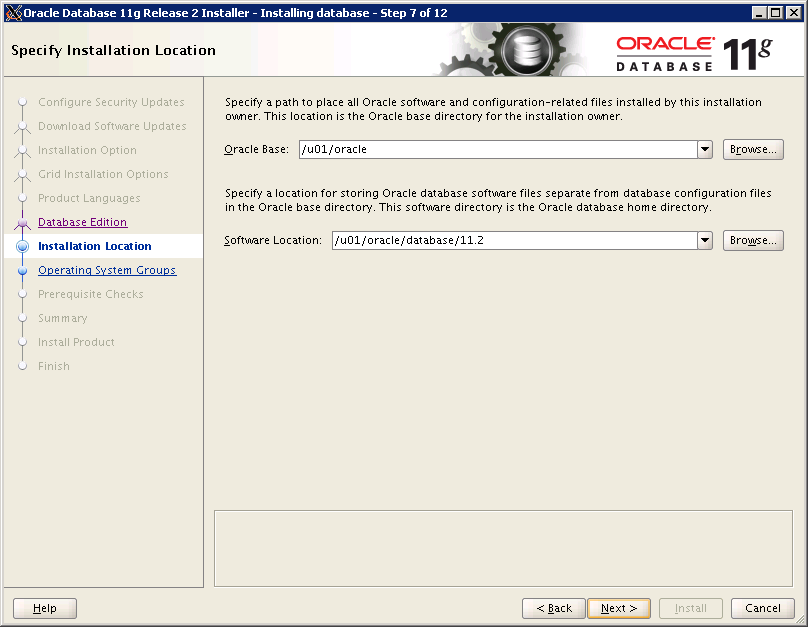
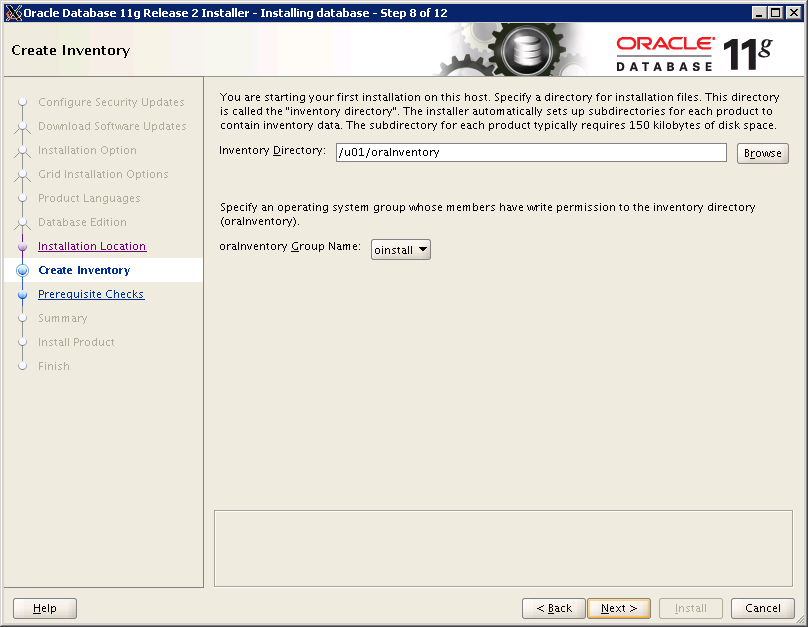
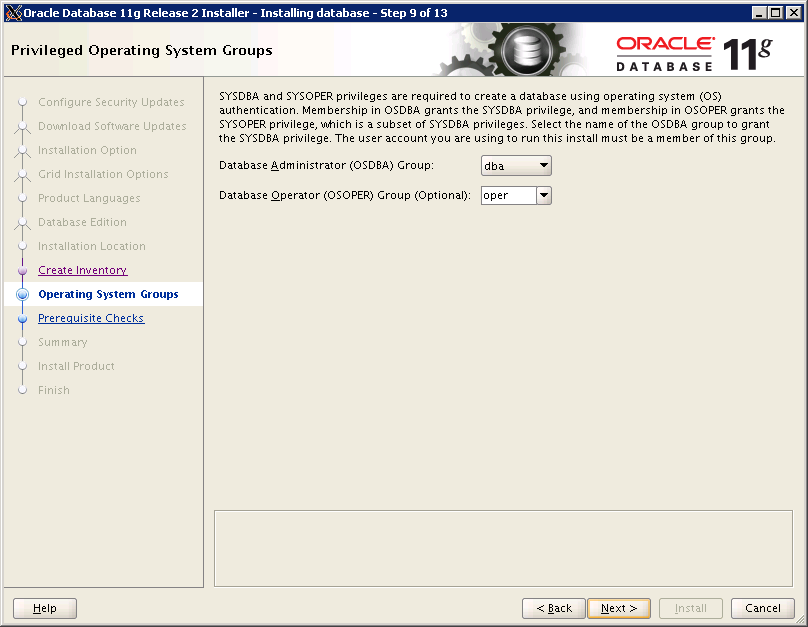
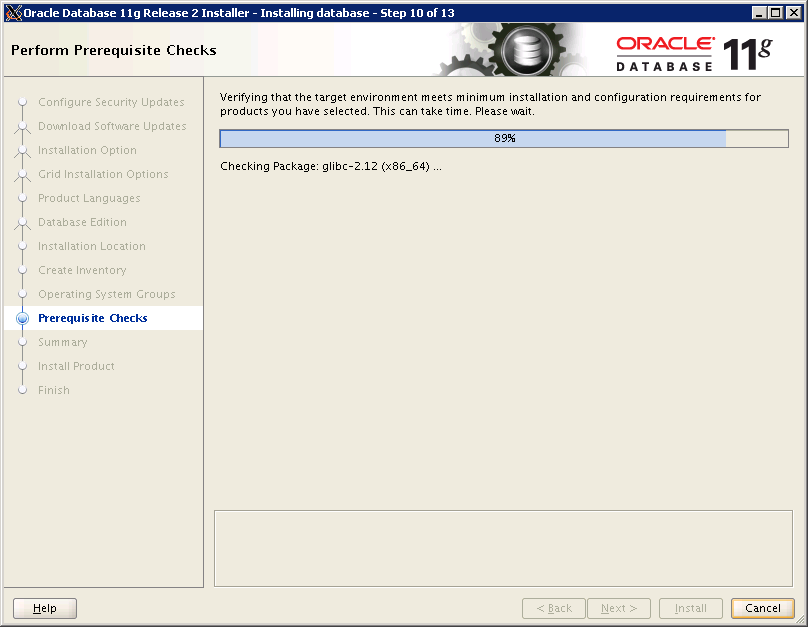
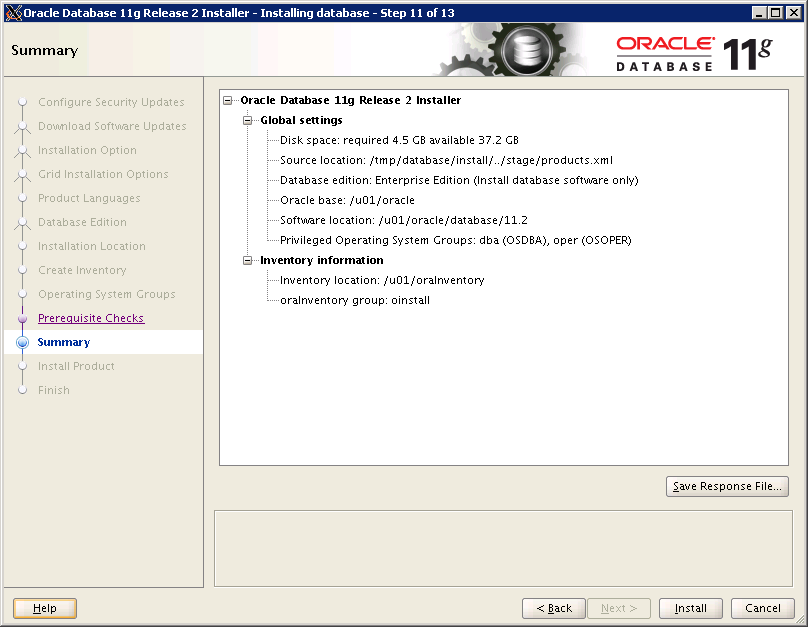
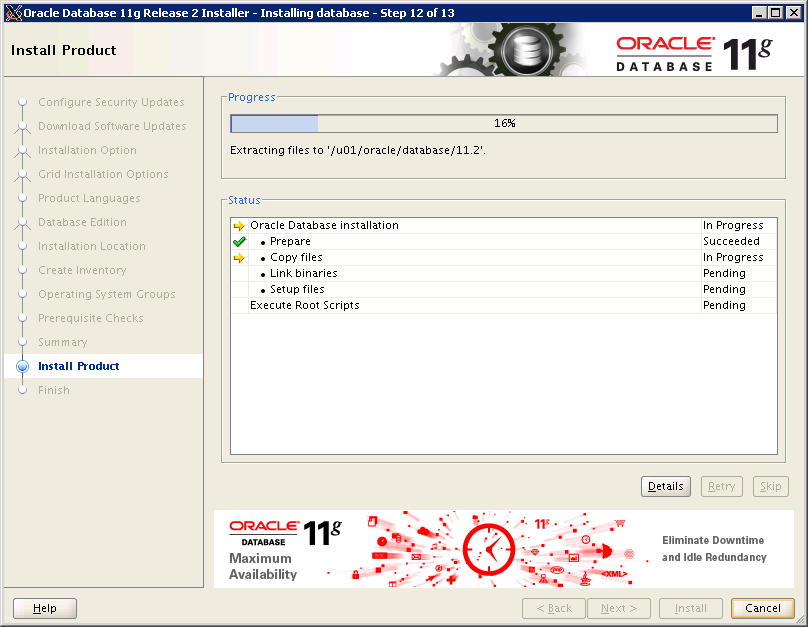
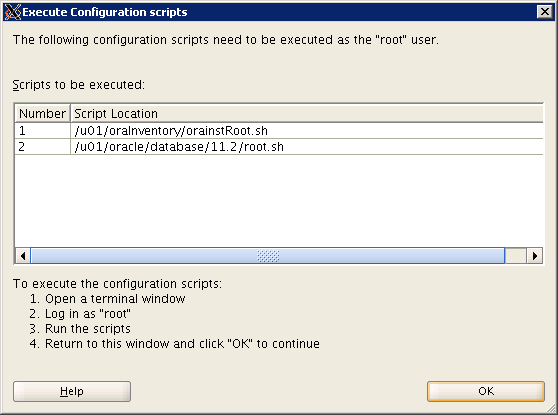
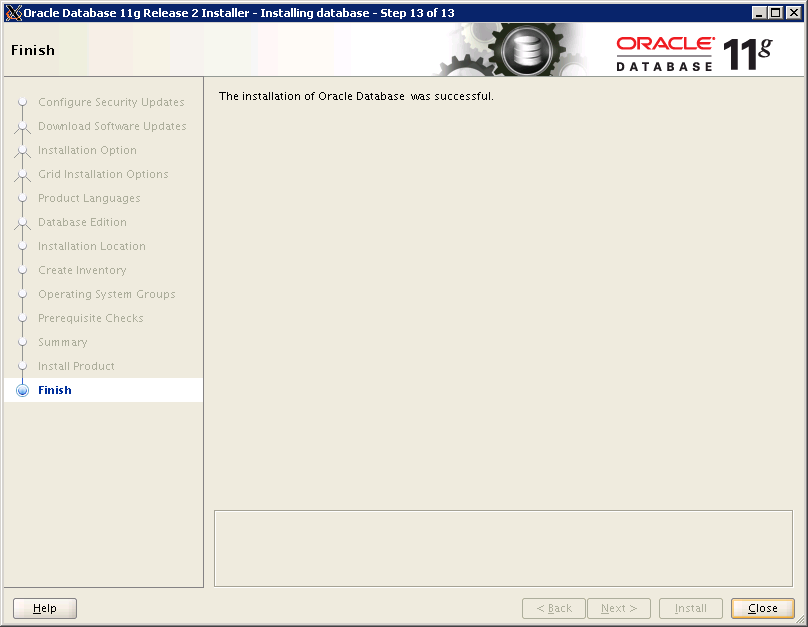
After the following window appears, you need to execute the following scripts as root. It is recommended to connect to the database server with another putty session.
# /u01/oraInventory/orainstRoot.sh
Changing permissions of /u01/oraInventory.
Adding read,write permissions for group.
Removing read,write,execute permissions for world.

Changing groupname of /u01/oraInventory to oinstall.
The execution of the script is complete.
# /u01/oracle/database/11.2/root.sh
Performing root user operation for Oracle 11g

The following environment variables are set as:
    ORACLE_OWNER= oracle11
    ORACLE_HOME=  /u01/oracle/database/11.2

Enter the full pathname of the local bin directory: [/usr/local/bin]:
   Copying dbhome to /usr/local/bin ...
   Copying oraenv to /usr/local/bin ...
   Copying coraenv to /usr/local/bin ...


Creating /etc/oratab file...
Entries will be added to the /etc/oratab file as needed by
Database Configuration Assistant when a database is created
Finished running generic part of root script.
Now product-specific root actions will be performed.
Finished product-specific root actions.