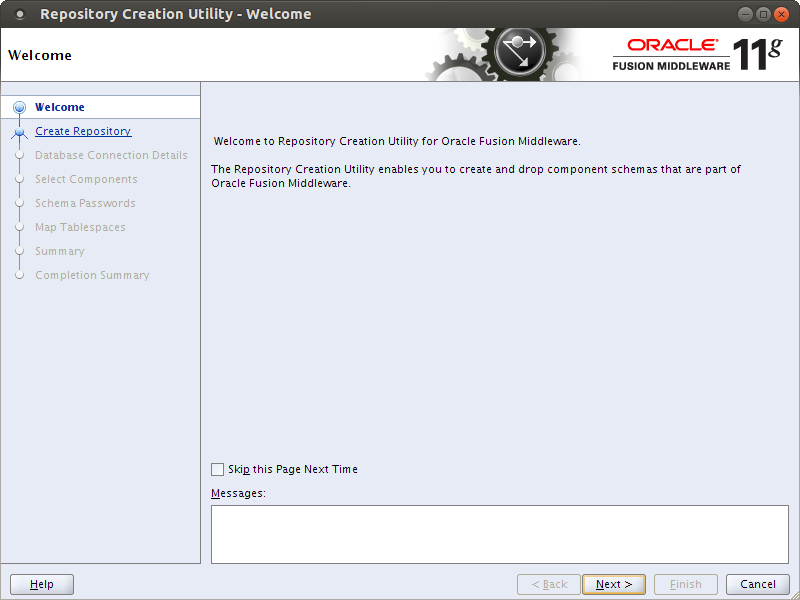
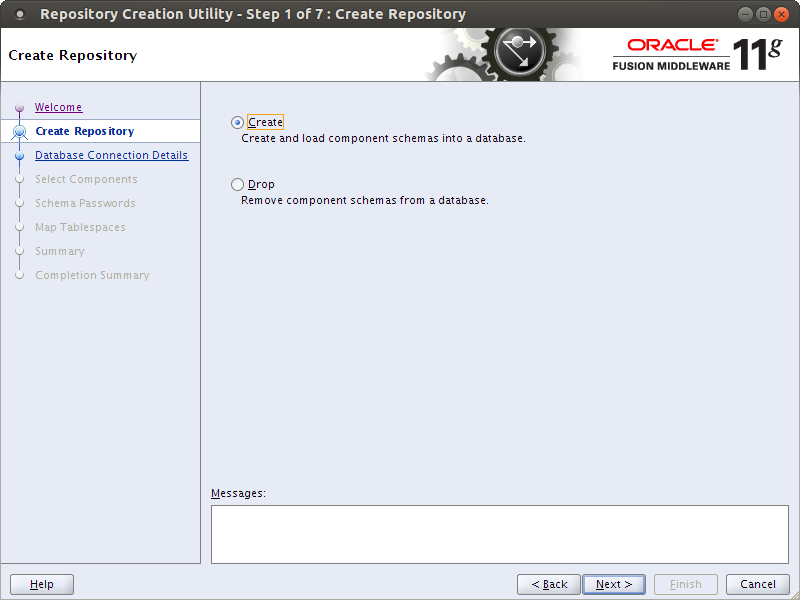
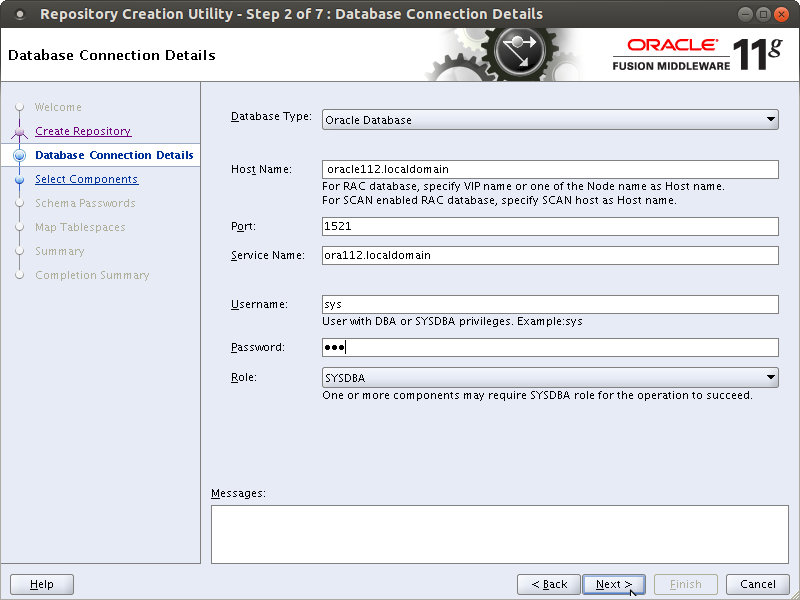
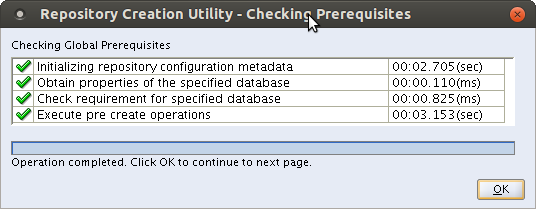
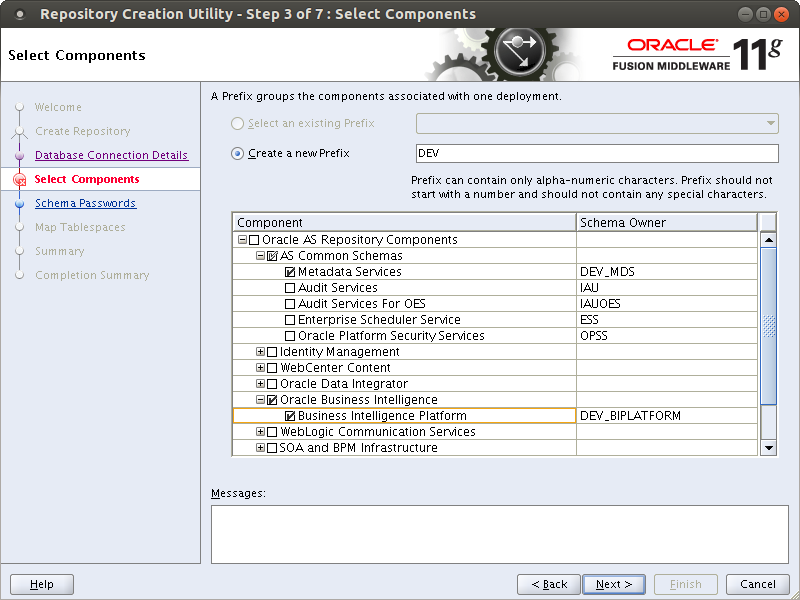
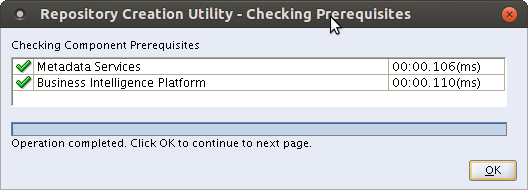
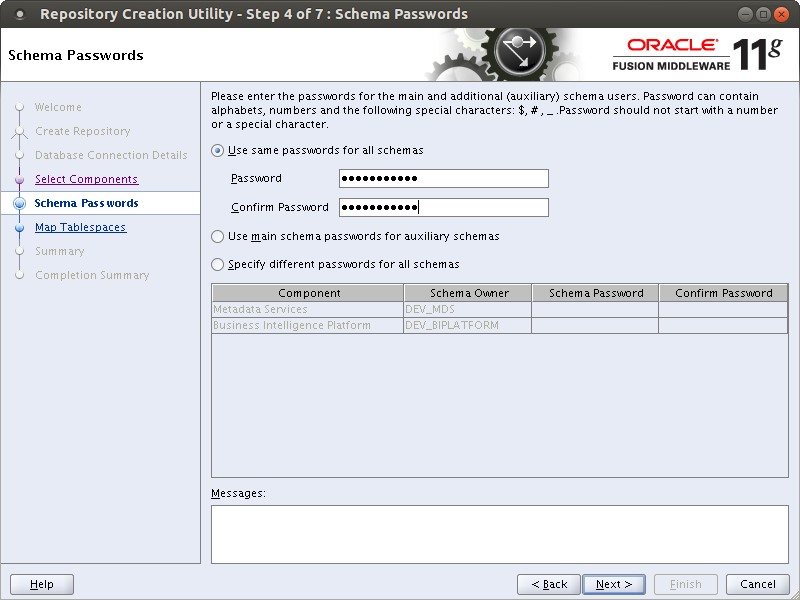
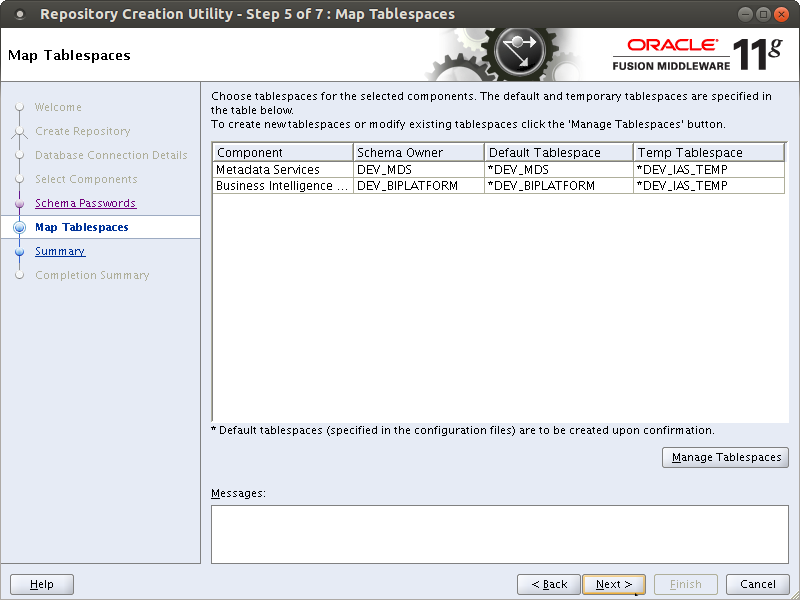
Creating a database schema for the OBIEE application using Repository Creation Utility (RCU)
The RCU distribution is hidden so well that it’s not so easy to find.
I downloaded it as follows:
Went to the Oracle website at the following link:
http://www.oracle.com/technetwork/middleware/soasuite/downloads/index.html
Checked the box to accept the terms.
Then downloaded the distribution from the link:
Linux:
http://download.oracle.com/otn/linux/middleware/11g/111170/ofm_rcu_linux_11.1.1.7.0_64_disk1_1of1.zip
Windows:
http://download.oracle.com/otn/nt/middleware/11g/111170/ofm_rcu_win_11.1.1.7.0_32_disk1_1of1.zip
# groupadd -g 1001 oraclebi
# useradd -g oraclebi -d /home/oraclebi -m oraclebi
# passwd oraclebi
# yum install -y unzip
# yum install -y nc
on the client from which the installation management process is running
$ xhost +192.168.1.9
# nc -vv 192.168.1.5 6000
Connection to 192.168.1.5 6000 port [tcp/x11] succeeded!
$ su - oraclebi
$ unzip ofm_rcu_linux_11.1.1.7.0_64_disk1_1of1.zip
Exception in thread "main" java.lang.UnsatisfiedLinkError: /files/rcu/rcuHome/jdk/jre/lib/amd64/xawt/libmawt.so: libXtst.so.6: cannot open shared object file: No such file or directory
# yum install -y xdpyinfo
If the error persists, I recommend installing
# yum install -y libXp
$ export DISPLAY=192.168.1.5:0.0
$ cd /tmp/rcuHome/bin
$ ./rcu